Virtual classroom software for language teachers
Create a lesson, open the virtual classroom, and teach it live. Answers sync as your student types and check automatically.
7-day free trial · AI credits included · No credit card required
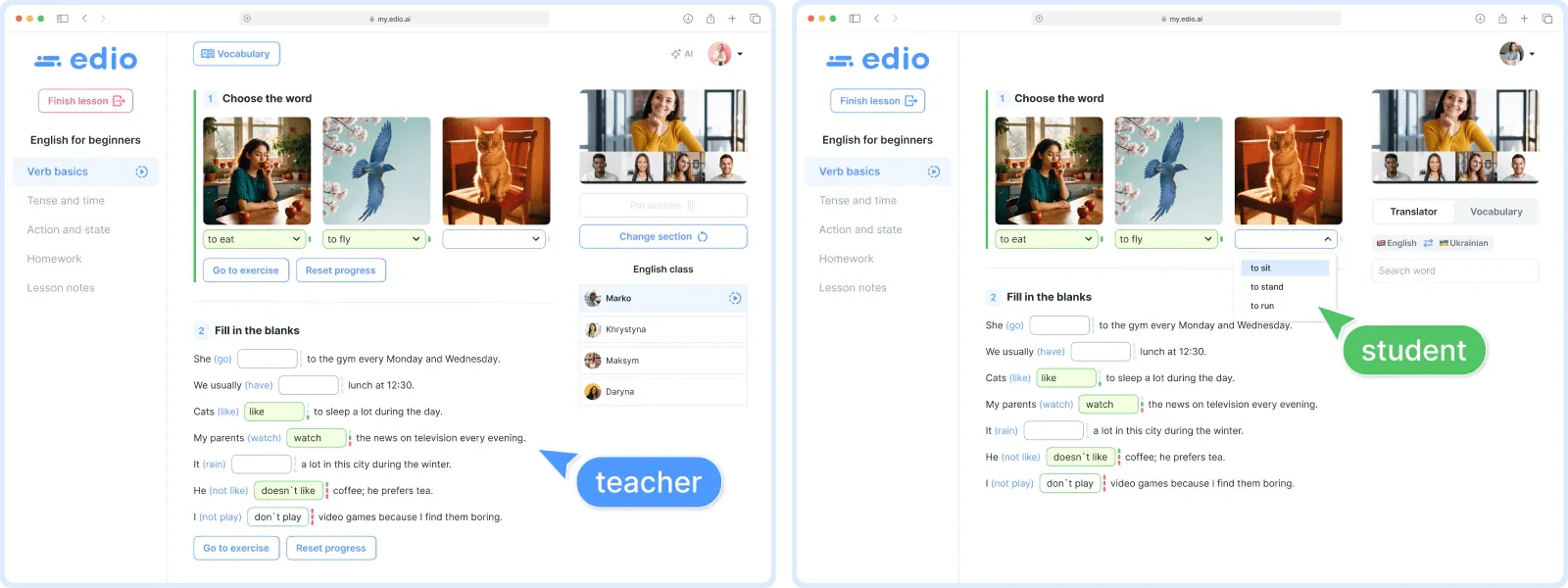
See how a virtual classroom works
You lead, your students follow, and their answers appear on your screen as they type
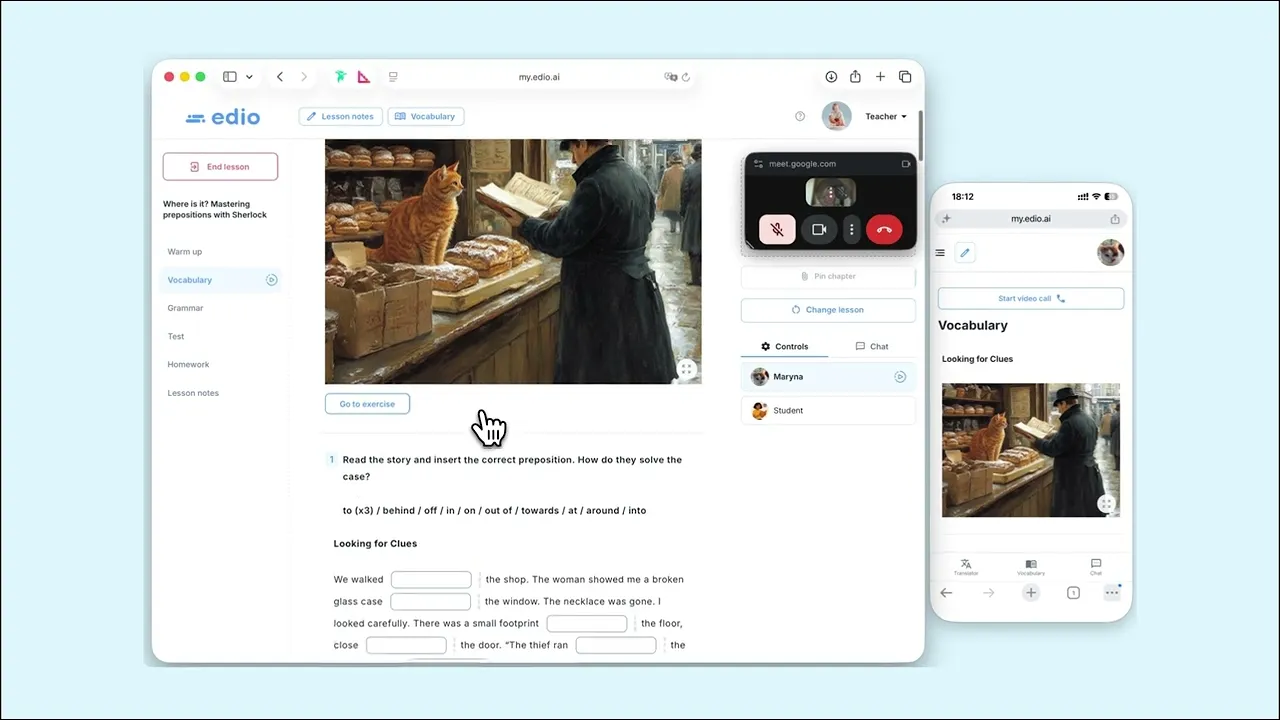
Everything you need during the lesson
Real-time sync
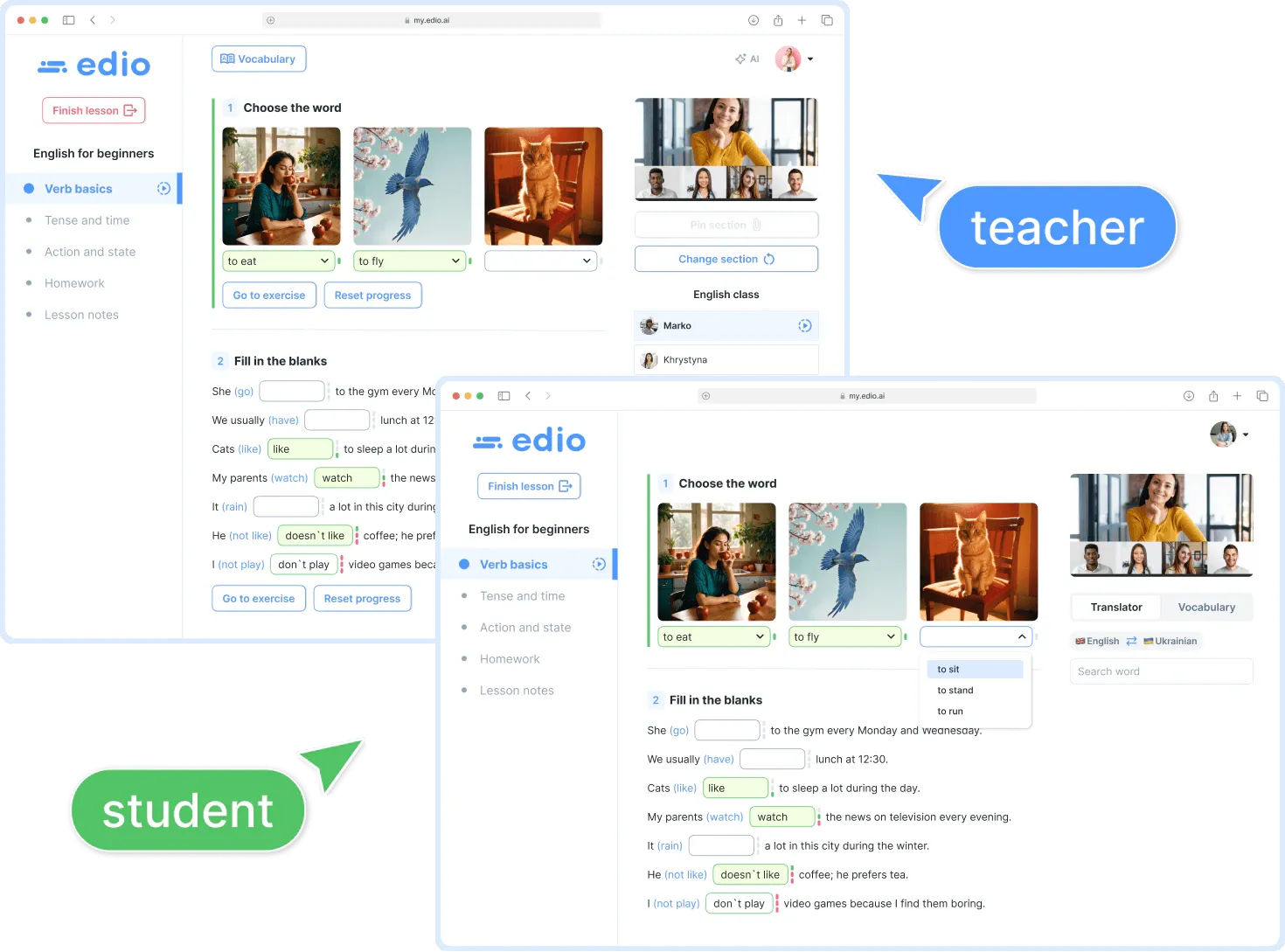
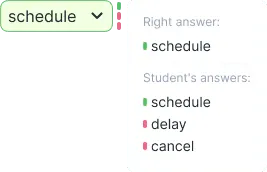
You see your students’ answers in real-time
Automatic check
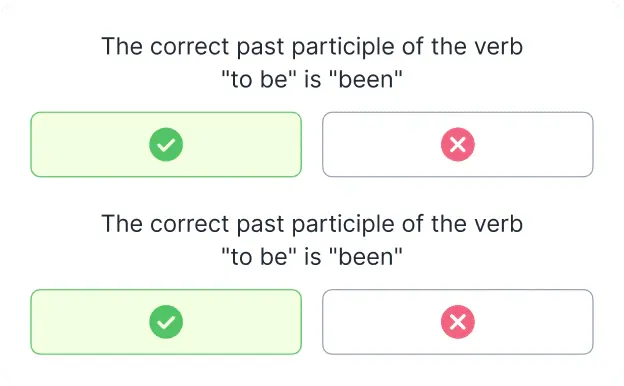
Answers check automatically, mistakes are highlighted
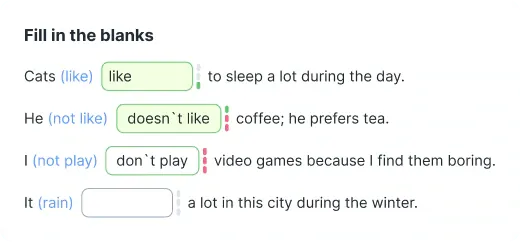

Correct answer hints
See correct answers instantly to guide students
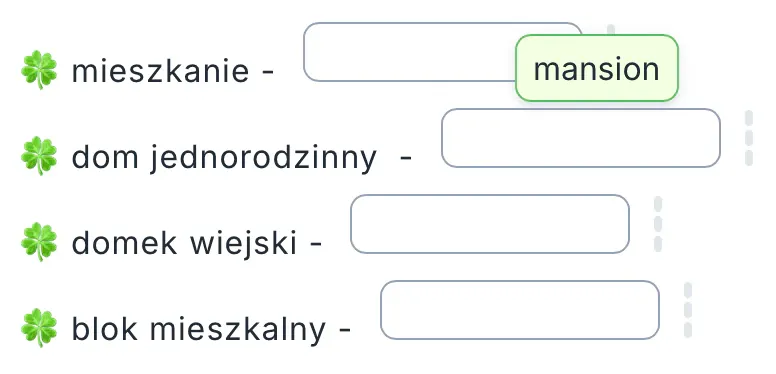
History of answers
Track and review students’ answer history for better progress monitoring
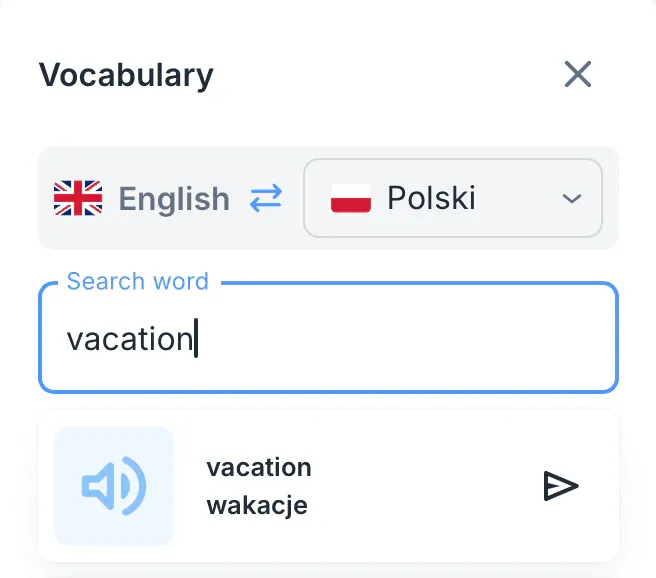
Vocabulary
Send words to students, who save them to a personal dictionary

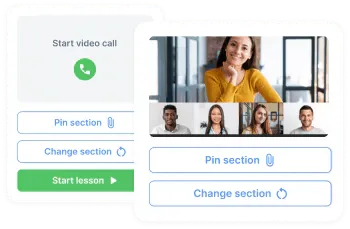
Video call
Add your video call link and start it from the lesson
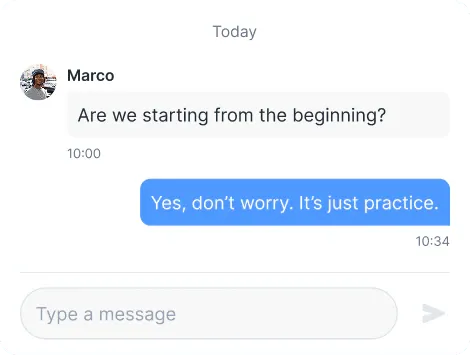
Built-in chat
Message your students without leaving the lesson

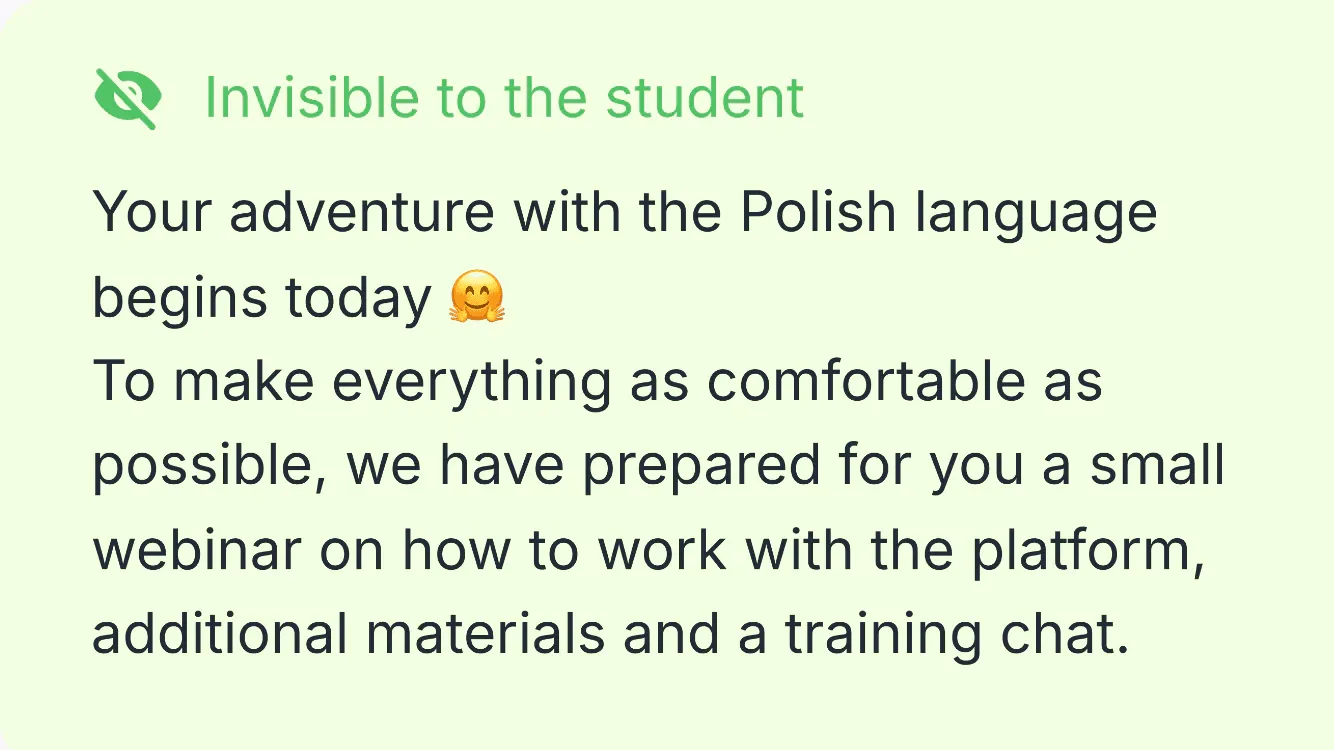
Teacher's notes
Keep teacher's notes with tips on how to guide your lessons more effectively

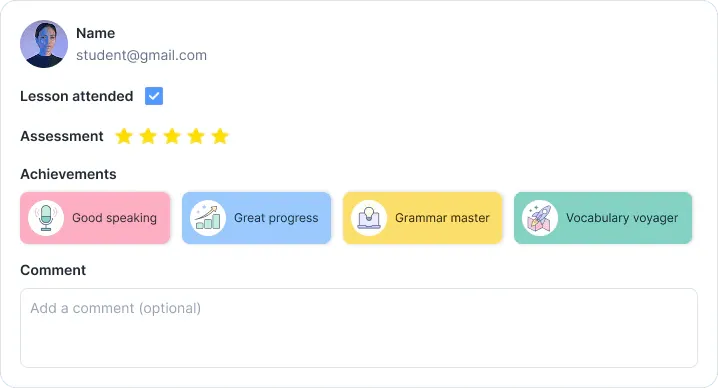
Attendance and feedback
End the lesson, mark attendance, rate the student, and add achievements

Interactive homework
Assign interactive homework that students can complete online

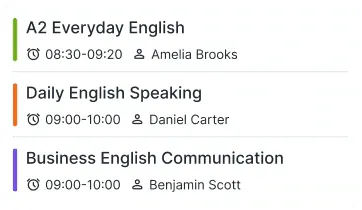
Class schedule
Plan lessons and open the next class straight from the calendar
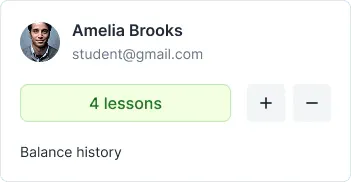
Lesson balance
Track how many lessons each student has left
Create your own interactive teaching materials
Build lessons yourself from 32 exercise types, or let the AI lesson generator create one from a topic, PDF, or image in about a minute. Edit anything before class.
See the AI lesson generator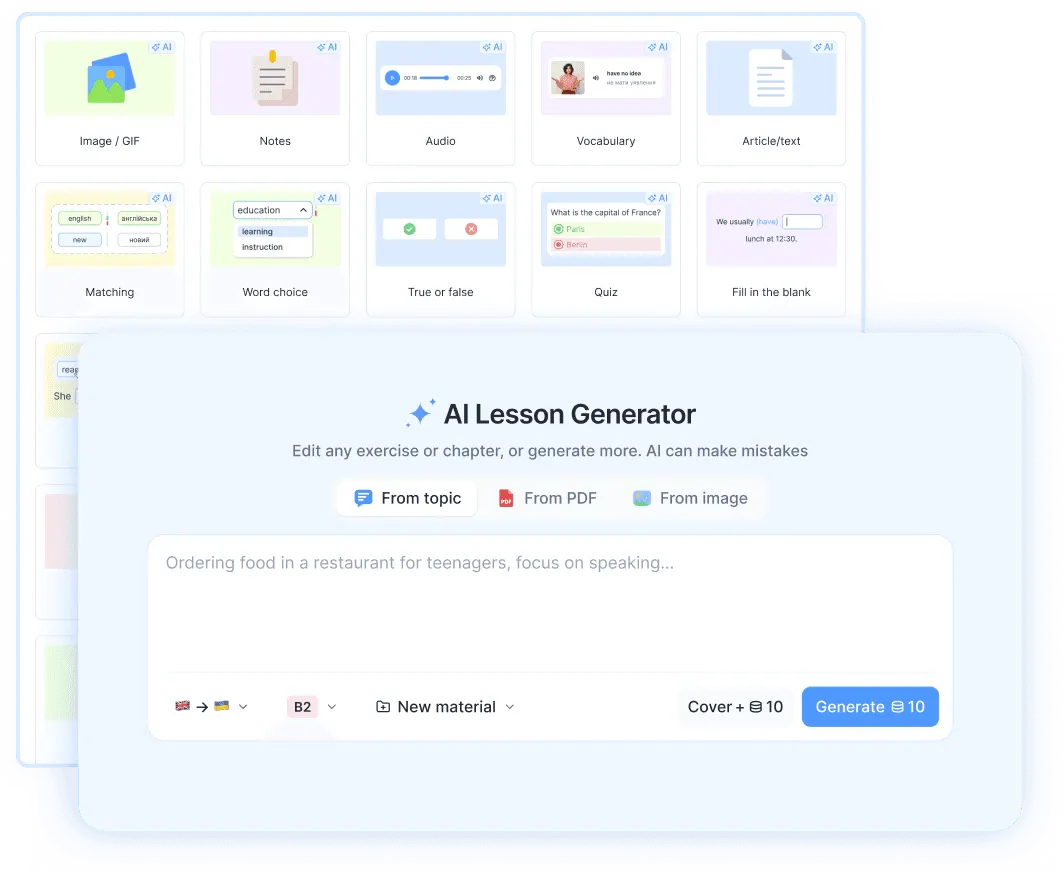
Ready-to-use lessons for your virtual classes
Teach today with ready-to-use English lessons (A1–C1). Access complete courses and interactive practice formats that keep your students engaged in every online class.
Browse ready lessons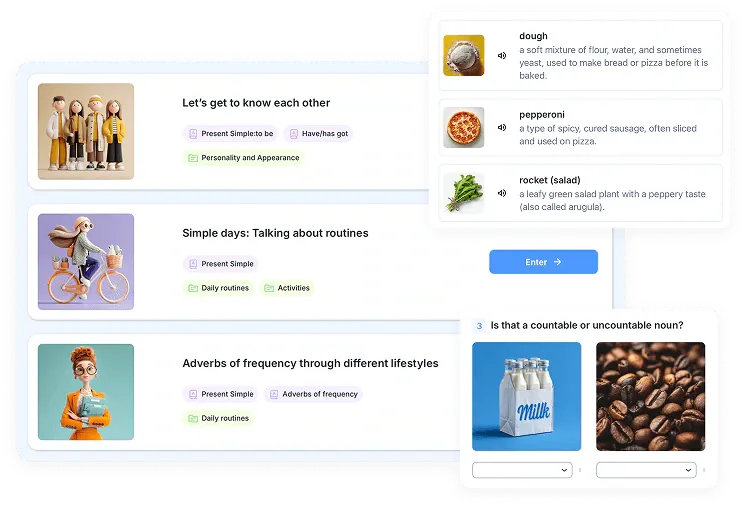
Virtual classroom: common questions
What is virtual classroom software?
Does edio have built-in video calls?
How is it different from sharing my screen?
Can I teach groups as well as one-to-one lessons?
Which languages and levels can I teach in it?
What happens when the lesson ends?
Do students need to install anything?
Can I try it for free?
Try your first virtual class
7-day free trial · AI credits included · No credit card required