The AI lesson generator is now live in edio.ai. Type a topic, upload a PDF, or drop in an image, and the platform builds a full interactive lesson with exercises. You pick the language and the level every time, and everything stays editable before class.
This is the part of lesson prep that used to eat the evening: finding a text, cutting it down to level, writing the questions, building the vocabulary practice, putting something together for homework. The generator does that first pass for you, and leaves you the part that actually needs a teacher.
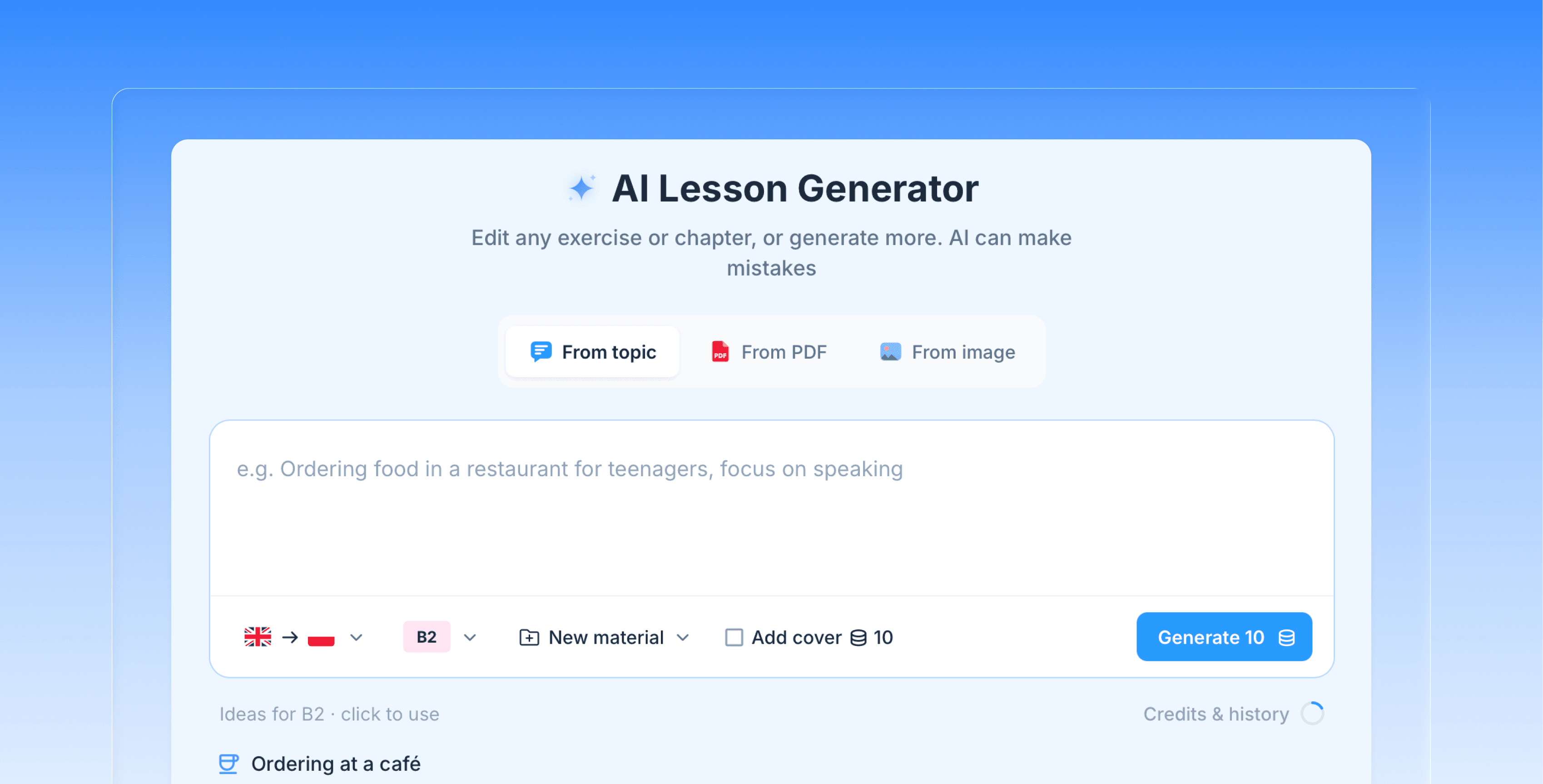
Three ways to start
From a topic. Write what the lesson is about, in a sentence or two rather than one word. The more you say about the situation, the vocabulary, or the grammar point, the closer the first draft lands.
From a PDF. Upload a text you already use, an article, a course extract, a worksheet, and the generator turns it into an interactive lesson instead of a file students scroll through.
From an image. A photo, a screenshot, an illustration, a page from a book. The image becomes the starting point of the lesson and the lesson cover at the same time.
Whichever way you start, you choose the teaching language and the level before generating.
What comes out
A complete lesson, not a list of ideas. It arrives with exercises built in and with homework already part of the lesson structure, so there is no second step where you turn a plan into something students can actually click through.
The lesson is built from the same interactive blocks you would add by hand: a reading text, vocabulary, audio, notes, images, and exercises like quiz, matching, fill in the blank, true or false, word choice, and drag and drop. It can also include writing and speaking tasks that come back to you for review, which is what makes the homework part of it work.
You choose the language and the level
The generator works across the 17 languages edio supports, and covers levels A1 to C1. That matters if you teach more than one language or run a school where teachers do: the same tool, the same lesson format, whether the class is Polish, English, German, or Spanish.
Edit anything before class
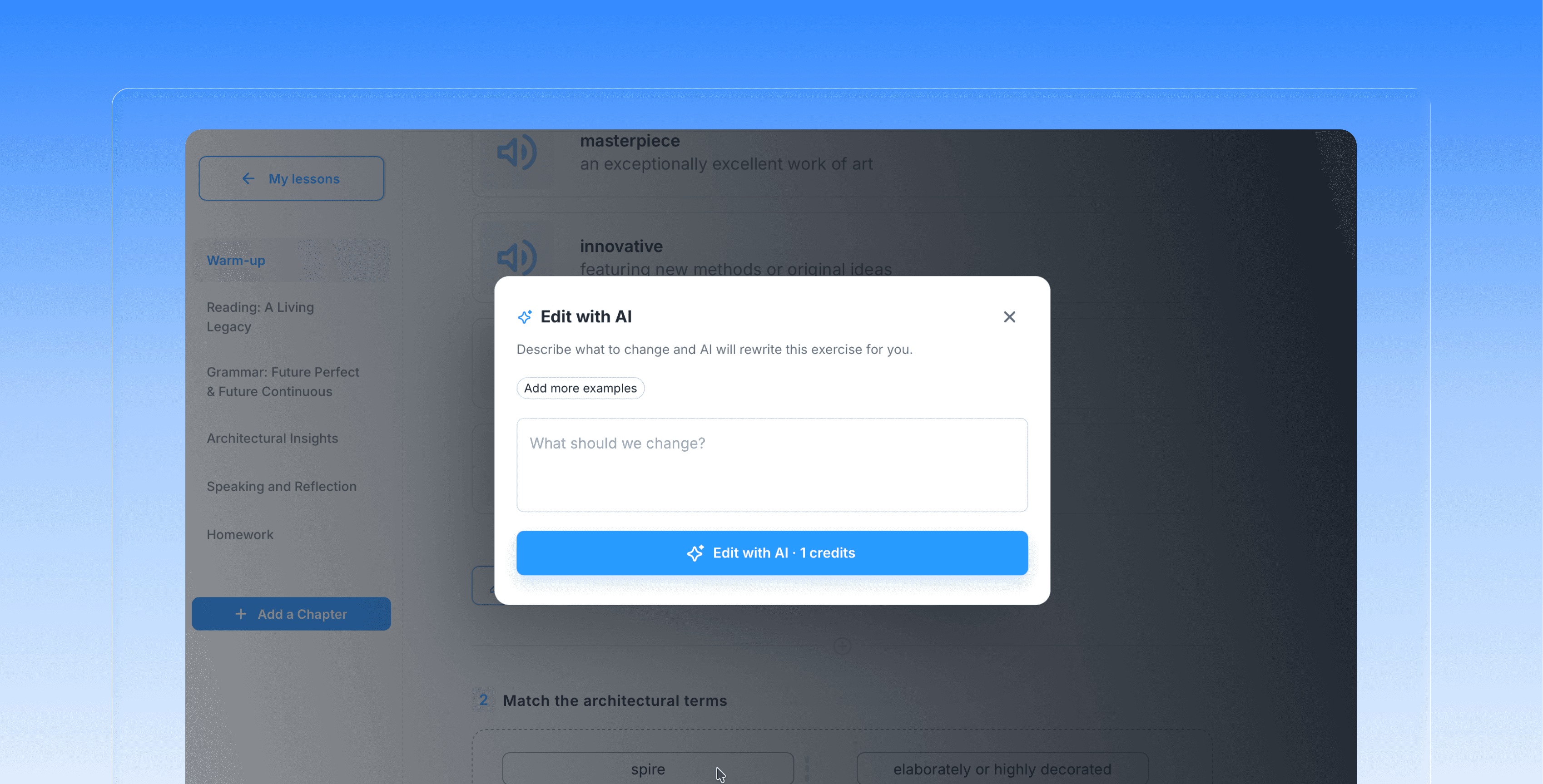
The generated lesson is a starting point, and it opens in the same editor as any other lesson in edio. Rewrite a task, delete an exercise that does not fit this group, add one of your own, change the text, swap the cover. Nothing is locked.
Teachers who know their students always adjust something. The point of the generator is that you start from a finished lesson and adjust, instead of starting from an empty page.
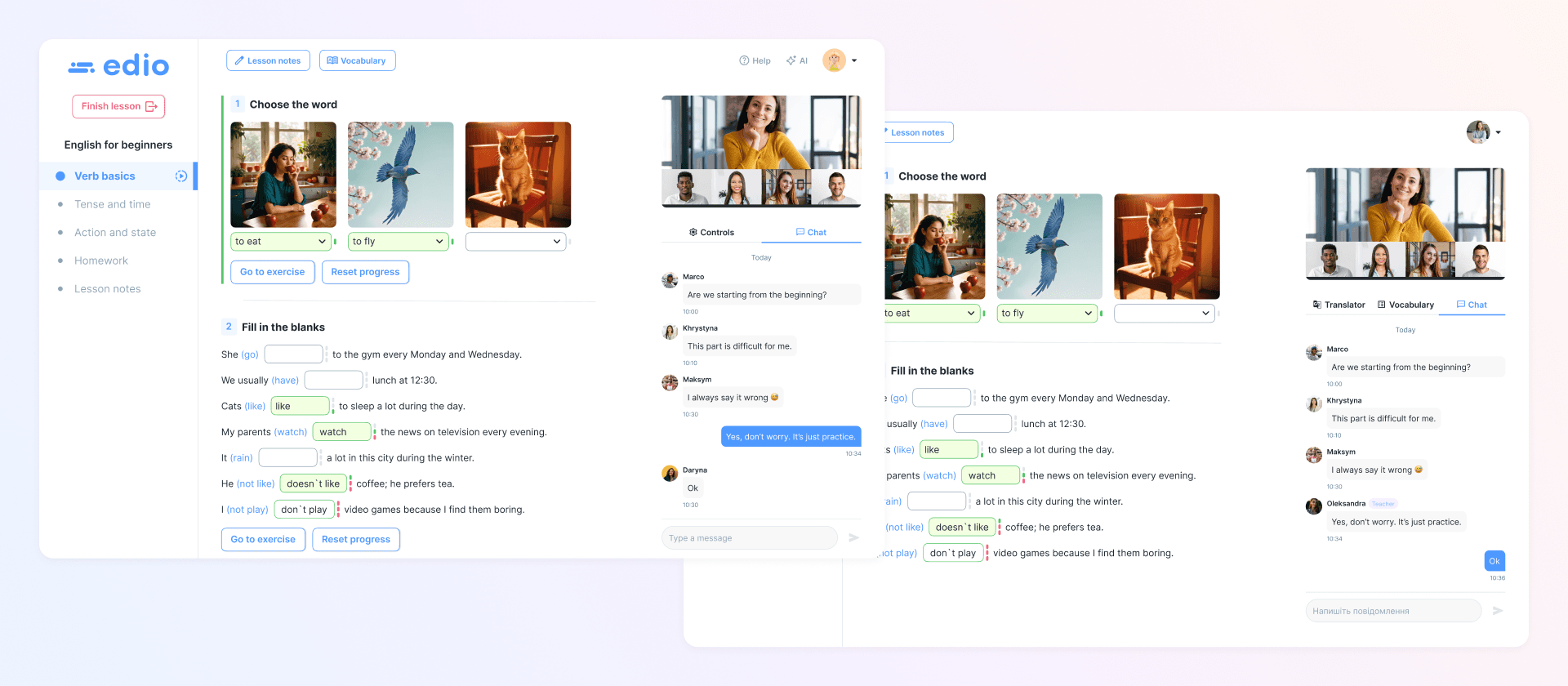
Teach it live in the virtual classroom
Once the lesson is ready, it works the way the rest of edio works. Open it in your virtual classroom and teach it as a shared interactive space where you and your student move through the material together, or assign it as homework and check the results later.
It works on your phone too
A student moves the lesson to this evening and you are not at your desk. Ten minutes on a phone is enough: generate the lesson and edit it there too, the same way you would on a laptop.
What a generation costs
Generating a lesson costs 10 AI credits. Adding a generated cover image costs another 10, so a lesson with a cover comes to 20. Credits are included in your plan, so nothing is billed per lesson beyond the subscription.
Try it
The AI lesson generator is available on the 7-day free trial, with no credit card required. Create an account, type a topic, and see what comes back.
Frequently Asked Questions
What languages does the AI lesson generator work in?
It works in all 17 languages edio.ai supports, and you choose the language for each lesson before generating.
What levels can it generate for?
A1 to C1.
How many credits does one lesson cost?
10 credits for the lesson, and another 10 if you add a generated cover.
Can I try it without paying?
Yes. It is included in the 7-day free trial, and no credit card is required.