7 Google Classroom Alternatives for Language Teachers (2026)
Google Classroom is free, simple and everywhere. It's built for one job: handing out assignments and collecting them back. Language teachers often need more: live lessons where students work in the same exercises, practice that checks itself, and, in a language school, schedules and prepaid lessons for many teachers.
Here are seven alternatives, from full LMS platforms to tools built for language teaching. We also compared Classroom with edio in detail in edio.ai vs Google Classroom.
The list at a glance
- edio.ai: an AI-powered LMS built for language schools and teachers
- Moodle: a free, open-source LMS you host yourself
- Microsoft Teams for Education: classes, assignments and calls for Microsoft 365 schools
- Canvas LMS: a full LMS used by universities and schools
- Schoology: an LMS for K–12 schools
- Seesaw: learning journals for young students and their families
- LearnCube: a virtual classroom for online tutors and language schools
1. edio.ai: built for language teaching
This is our product, so read this one with that in mind.
edio.ai is an AI-powered LMS for language schools and teachers. The AI lesson generator turns a topic, PDF or image into an interactive lesson in 18 languages, and there are ready-made lessons for English A1–C1 and Polish A1–B2. In a live lesson, students work in the same exercises as you, and their answers appear as they type; video runs in Zoom or Meet alongside. For schools, it adds lesson scheduling, chat, attendance and tracking of prepaid lessons.
- Best for: language schools and online language teachers
- Free option: a 7-day free trial
2. Moodle: free and open source
Moodle is the best-known open-source LMS: free software with quizzes, a gradebook, a large plugins directory and support for standards such as SCORM. Someone has to host, update and maintain it, or you pay for MoodleCloud. Read edio.ai vs Moodle for how it compares for language schools.
- Best for: schools with IT help that want full control
- Free option: the software is free; hosting isn't
3. Microsoft Teams for Education: for Microsoft schools
Microsoft Teams for Education combines classes, assignments, video calls and chat in one app. It's the natural choice for a school that already runs on Microsoft 365.
- Best for: schools on Microsoft 365
- Free option: free for eligible schools with Microsoft 365 Education
4. Canvas LMS: a full LMS
Canvas is a complete LMS used by many universities and schools: courses, modules, quizzes, a gradebook and integrations with other tools. It's usually bought by an institution rather than by a single teacher.
- Best for: universities and large schools
5. Schoology: an LMS for schools
Schoology, part of PowerSchool, is an LMS for K–12 schools and districts, with courses, assignments, grading and communication with parents.
- Best for: K–12 schools and districts
6. Seesaw: for young learners
Seesaw is a learning journal for primary school: children record, draw and photograph their work, and families can see it. For young language learners, recorded speaking tasks are a strong point.
- Best for: children's language classes with families involved
7. LearnCube: a virtual classroom for tutors
LearnCube is virtual classroom software for online tutors and language schools, with a built-in video room and an online whiteboard.
- Best for: tutors who want video and a whiteboard in one place
How to choose
- You run a language school or teach languages online: edio.ai.
- You have an IT team and want full control: Moodle.
- Your school runs on Microsoft 365: Teams for Education.
- You teach young children and want families involved: Seesaw.
- You mainly need a video room with a whiteboard: LearnCube.
If you're moving from Google Classroom, start with one class and one week of lessons. Most of the work is in the lessons themselves, so a platform that generates or provides them saves the most time.
Frequently asked questions
What is the best Google Classroom alternative for language teachers?
Is there a free alternative to Google Classroom?
What happened to Edmodo?
Why do language schools leave Google Classroom?
Related posts
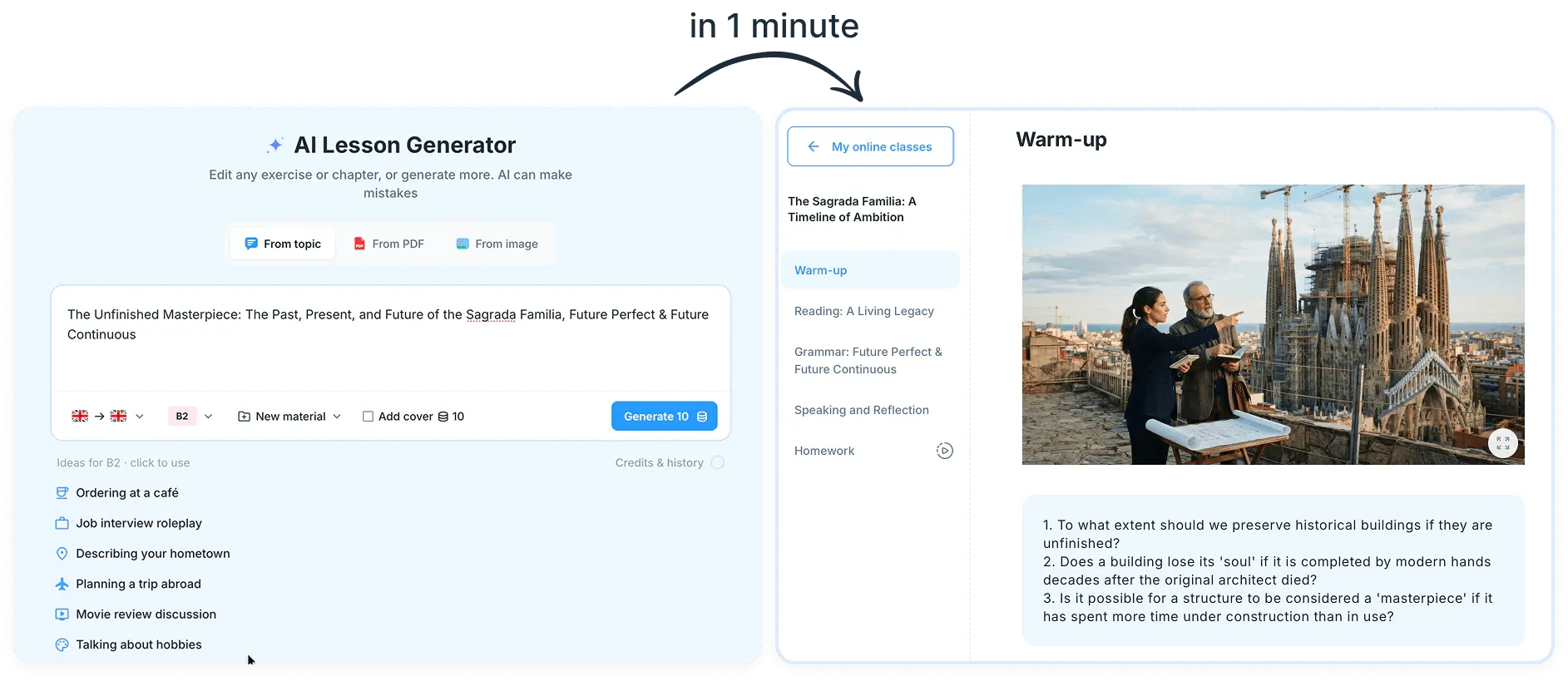
8 Best AI Tools for Language Teachers (2026)
Eight AI tools that language teachers actually use, from chatbots to lesson generators, with what each one is best for and which have free plans.
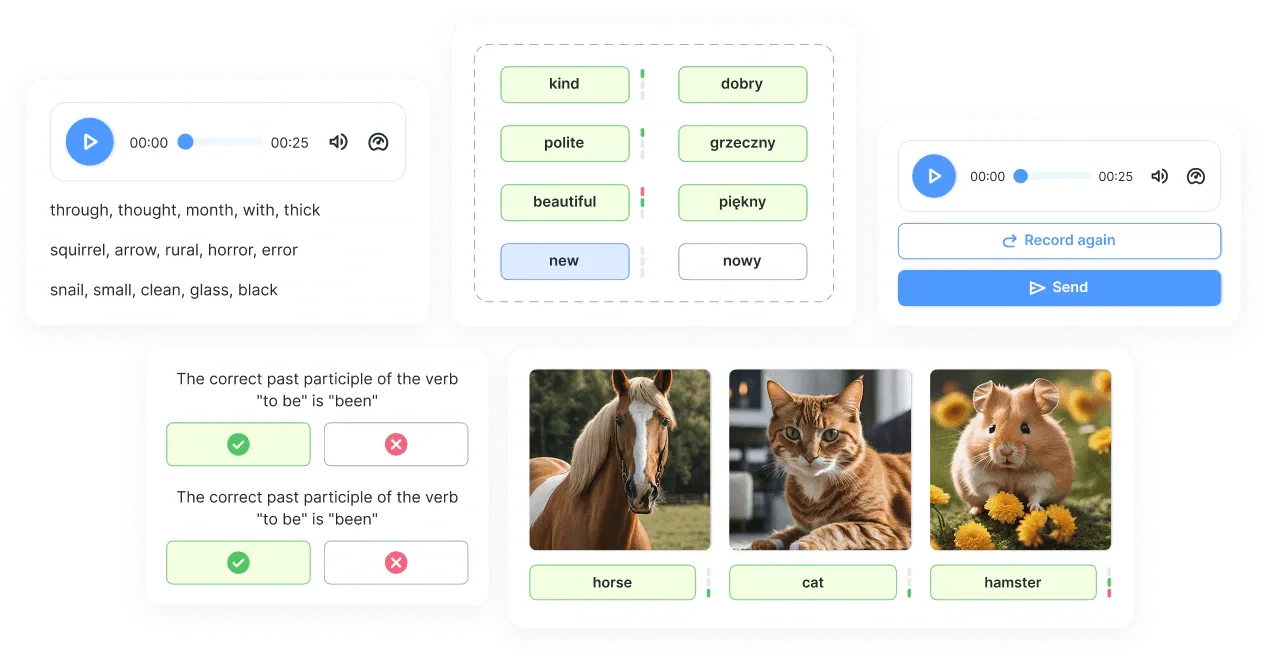
8 Kahoot Alternatives for Language Classes (2026)
Eight Kahoot alternatives for language classes, from self-paced quizzes to team games on one screen, with what each one is best for.
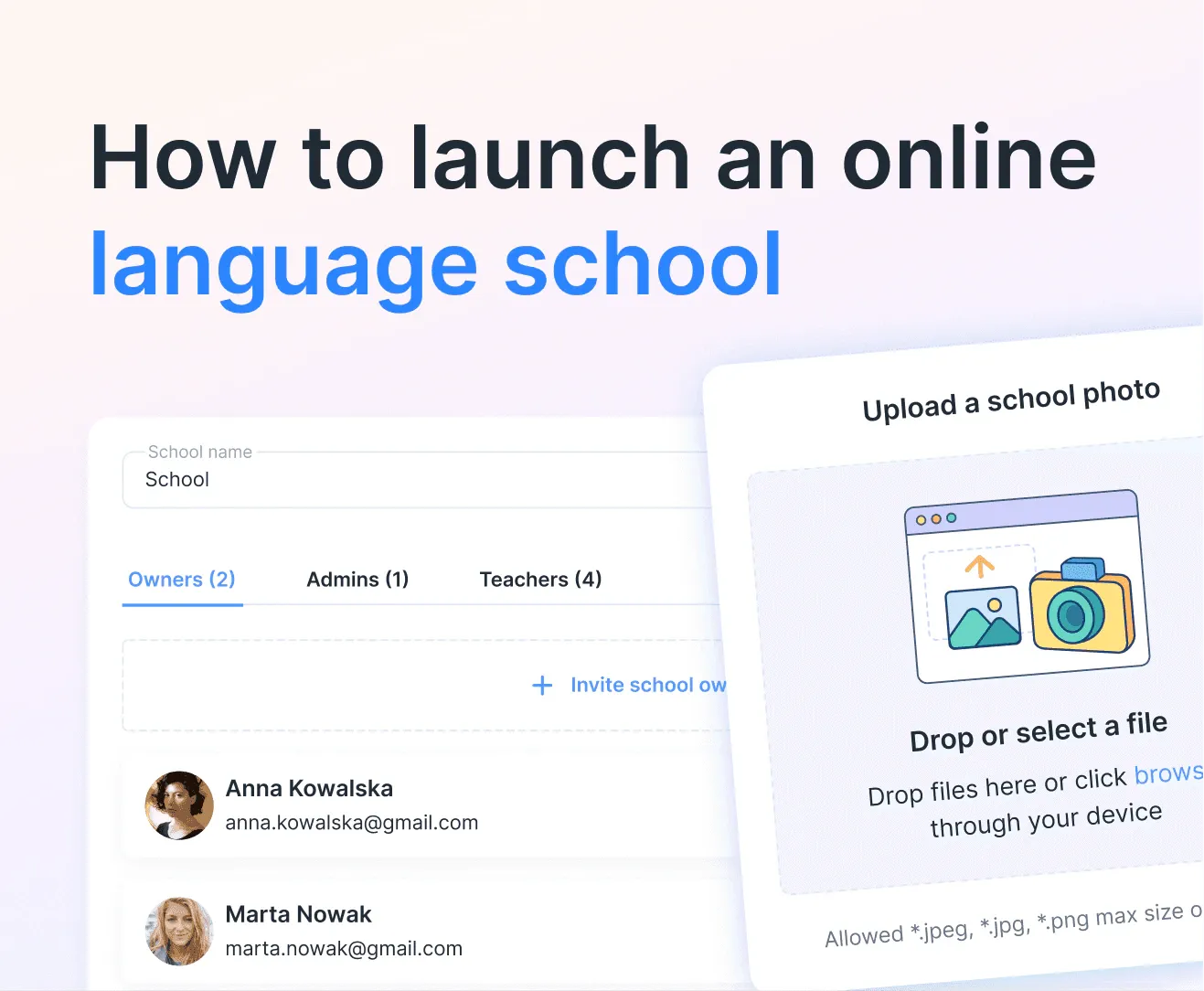
How to Launch an Online Language School (Step by Step)
Step-by-step guide to launching your online language school — from adding students and creating virtual classes to running your first interactive lesson with edio.