8 Kahoot Alternatives for Language Classes (2026)
Kahoot! is fun, fast and loud. For a language class it also has limits: the questions race against a timer, the fastest students win, and the quiz sits outside the lesson you are actually teaching.
If you want a different pace, team play, homework mode or games that live inside the lesson, these eight alternatives are worth a look.
The list at a glance
- edio.ai: quizzes and games inside the lesson, checked automatically
- Wayground (formerly Quizizz): self-paced quizzes, in class or as homework
- Blooket: one question set, many game modes
- Gimkit: a live quiz game with an in-game economy
- Baamboozle: team games on one screen, no student devices
- Wordwall: a word list turned into many game templates
- Quizlet Live: team review games built on flashcard sets
- Mentimeter: live polls and quizzes inside a presentation
1. edio.ai: games inside the lesson
This is our product, so read this one with that in mind.
In edio.ai, quizzes and games aren't a separate link. They are blocks of the lesson: a memory game, unjumble and anagram next to quizzes, matching and gap-fills, plus spin the wheel and open the box for speaking prompts. In a live lesson, students answer on their own devices and you see their answers as they type. Set the same lesson as homework and the answers are checked automatically.
The AI lesson generator can also build the games for you from a topic, so the vocabulary game matches the lesson's words.
- Best for: teachers who want games as part of a full lesson
- Free option: a 7-day free trial
2. Wayground (formerly Quizizz): self-paced quizzes
Wayground, called Quizizz until 2025, works like Kahoot! but lets each student answer at their own pace, which is kinder to slower readers in a language class. It also works as homework, and it has a large library of ready-made quizzes.
- Best for: vocabulary and grammar quizzes, live or as homework
- Free option: yes
3. Blooket: many game modes
Blooket takes one set of questions and lets students play it in different game modes. It's especially popular with children and young teenagers.
- Best for: young learners and review lessons
- Free option: yes
4. Gimkit: a quiz with an economy
Gimkit is a live quiz game where correct answers earn in-game money that students spend on upgrades. Questions repeat, which helps vocabulary stick.
- Best for: repeated vocabulary review with teenagers
5. Baamboozle: team games on one screen
Baamboozle is a favourite with ESL teachers. Teams take turns on one shared screen, so students don't need devices. It works well for whole-class review and speaking games.
- Best for: classes without devices, younger learners
- Free option: yes
6. Wordwall: one word list, many games
Wordwall turns one list of words or questions into many templates: match up, anagram, quiz, wheel and more. Activities can be played on screen or printed. We compared it with edio in detail in edio.ai vs Wordwall.
- Best for: quick vocabulary games and printable activities
- Free option: a free plan with a limited number of activities
7. Quizlet Live: team review
Quizlet Live turns a Quizlet flashcard set into a team game: students work in small groups and have to talk to find the right answer, which makes it more communicative than a classic quiz.
- Best for: vocabulary review in teams
8. Mentimeter: polls and quizzes in a presentation
Mentimeter adds live polls, word clouds and quiz questions to a presentation. For language classes, word clouds and open questions are a good warm-up.
- Best for: warm-ups and quick checks during a presentation
- Free option: yes
How to choose
- A warm-up or a review game: Baamboozle, Blooket or Gimkit.
- A quiz students can do at their own pace: Wayground.
- Games from a word list, also printable: Wordwall.
- Games inside a complete lesson, with homework checked for you: edio.ai.
Whatever you choose, game speed matters in a language class: give learners enough time to read the question in the language they are still learning.
Frequently asked questions
What is the best Kahoot alternative for language teachers?
Is there a free alternative to Kahoot?
Which Kahoot alternative works without student devices?
Can students play Kahoot-style games as homework?
Related posts
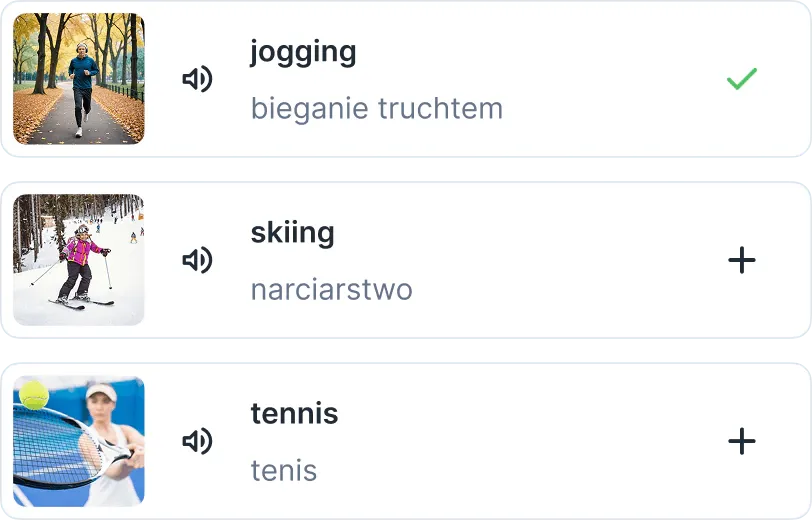
6 Quizlet Alternatives for Language Teachers (2026)
Six Quizlet alternatives for language teachers, from free spaced-repetition apps to vocabulary practice built into your lessons.
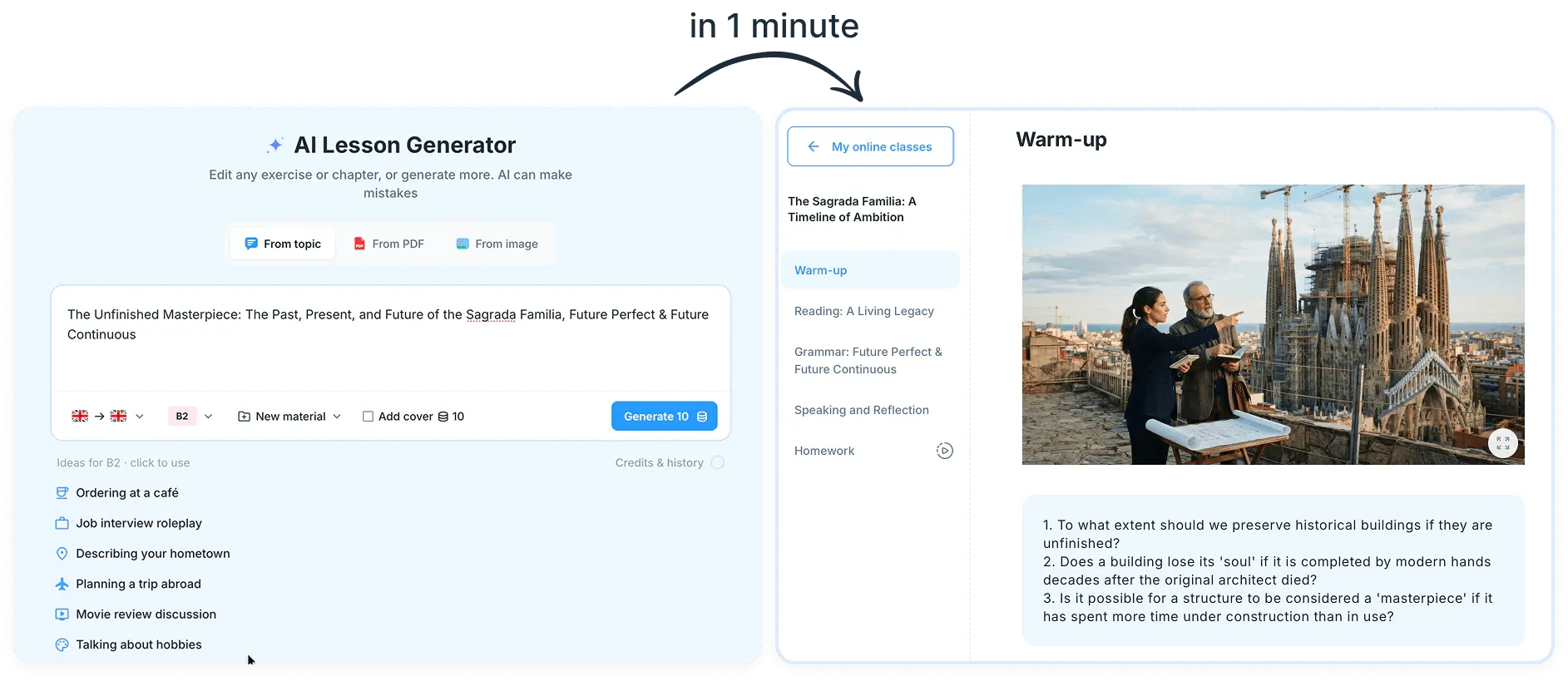
8 Best AI Tools for Language Teachers (2026)
Eight AI tools that language teachers actually use, from chatbots to lesson generators, with what each one is best for and which have free plans.
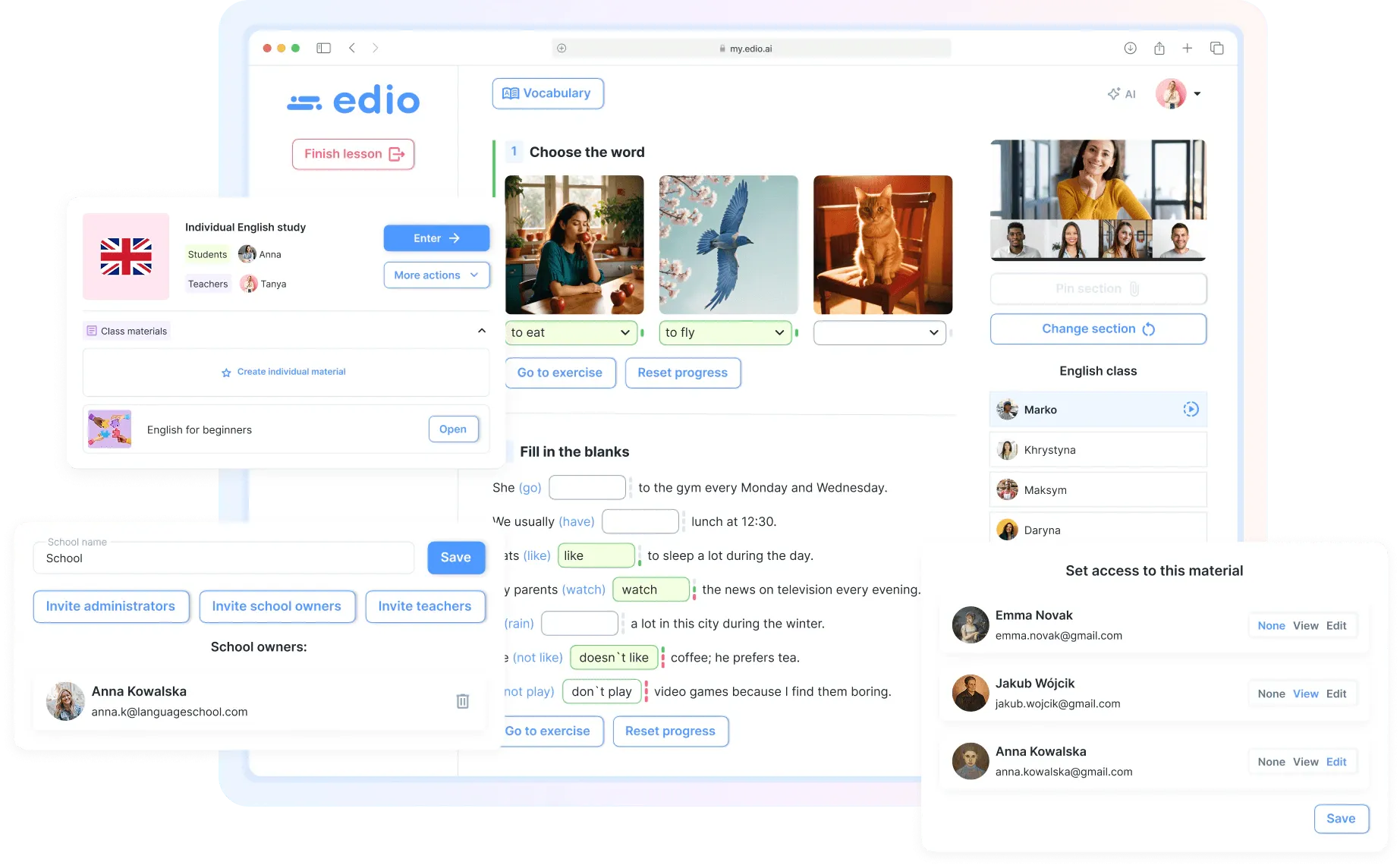
7 Google Classroom Alternatives for Language Teachers (2026)
Seven Google Classroom alternatives for language teachers and schools, from open-source LMSs to platforms built for live language lessons.