8 Best AI Tools for Language Teachers (2026)
Most AI tools for teachers are built for school subjects taught in English. Language teachers need something else: texts at the right CEFR level, vocabulary with examples, grammar practice with one right answer, listening and speaking tasks, and all of it in the language they teach.
These eight tools are worth knowing. Each one does a different job, so the best setup is usually two or three of them together.
The list at a glance
- edio.ai: whole interactive lessons from a topic, PDF or image
- ChatGPT (and other chatbots): ideas, example texts and dialogues
- Twee: ESL exercises from texts and videos
- MagicSchool: many small generators for everyday teaching jobs
- Diffit: reading texts adapted to a level
- Brisk Teaching: AI inside Google Docs, Slides and the browser
- Eduaide.ai: activity ideas and teaching resources
- Canva: slides, posters and visuals
1. edio.ai: whole interactive lessons
This is our product, so read this one with that in mind.
edio.ai is an AI-powered LMS for language schools and teachers. Type a topic or upload a PDF or an image, choose the language and the level (A1 to C1), and the AI lesson generator builds a complete lesson in about a minute: a warm-up, a reading, vocabulary, grammar practice, speaking tasks and homework.
The difference from the other tools here is what you get back. It isn't text or a worksheet but a lesson your students open in their own accounts. The exercises check themselves, and you can teach the lesson live with every answer appearing on your screen as students type.
- Best for: teachers who want a ready lesson, not a draft to format
- Languages: 18, including English, Spanish, French, German, Italian and Polish
- Free option: a 7-day free trial with AI credits included
2. ChatGPT and other chatbots: ideas, texts and dialogues
ChatGPT and similar chatbots are the fastest way to get raw material: a short story with this week's vocabulary, a dialogue at a café, ten discussion questions, an explanation of a grammar point in simple words.
What you get is text. You still format it, turn it into exercises, share it and check the answers yourself. Ask for the level you teach ("A2, short sentences, only the present simple") and read the result carefully, because chatbots don't always keep to a level.
- Best for: ideas and example texts
- Free option: yes
3. Twee: ESL exercises from texts and videos
Twee is built for English teachers. It generates reading texts, questions, vocabulary tasks and grammar exercises at a chosen level, and it can build questions around a video. It also publishes free grammar worksheets.
- Best for: English teachers who want exercises around a text or video
- Free option: a free plan with limited use
4. MagicSchool: many small generators
MagicSchool puts dozens of small AI tools in one place: lesson plans, worksheets, quizzes, rubrics, emails to parents. It's built mainly for school teachers in the US, so not every tool fits a language class, but the text and quiz generators are useful.
- Best for: quick classroom materials and admin texts
- Free option: yes, for teachers
5. Diffit: texts at the right level
Diffit takes a topic, an article or a video and rewrites it at the reading level you choose, with vocabulary and questions. For language teachers, that means an authentic text can become an A2 reading in a minute.
- Best for: reading texts at the right level
- Free option: yes
6. Brisk Teaching: AI where you already work
Brisk is a browser extension. It works inside Google Docs, Slides and web pages: it can create a quiz from an article, change a text's level, or give feedback on a student's writing.
- Best for: teachers who live in Google Docs
- Free option: yes
7. Eduaide.ai: activity ideas and resources
Eduaide.ai generates teaching resources and activity ideas, from discussion prompts to graphic organizers, and helps plan lessons around them.
- Best for: fresh activity ideas
- Free option: a free plan
8. Canva: slides and visuals
Canva isn't a language tool, but its AI features make slides, posters, flashcards and picture prompts for speaking tasks quickly. Canva for Education is free for eligible teachers.
- Best for: visuals for speaking and vocabulary
- Free option: yes, for eligible teachers
Which AI tools should you use?
Pick by the job in front of you:
- "I need tomorrow's lesson, ready to teach": an AI lesson generator such as edio.ai.
- "I need a text or a dialogue to start from": ChatGPT, then check the level.
- "I have a great article, but it's too hard": Diffit.
- "I want exercises around a video": Twee.
- "I need a picture prompt or slides": Canva.
Whatever you use, read every exercise before class. AI sometimes gives a gap two right answers or uses a word above the level, and your students will find it before you do.
Frequently asked questions
What is the best AI tool for language teachers?
Is there a free AI tool for ESL teachers?
Can AI make a whole language lesson?
Do AI tools make mistakes in language exercises?
Related posts
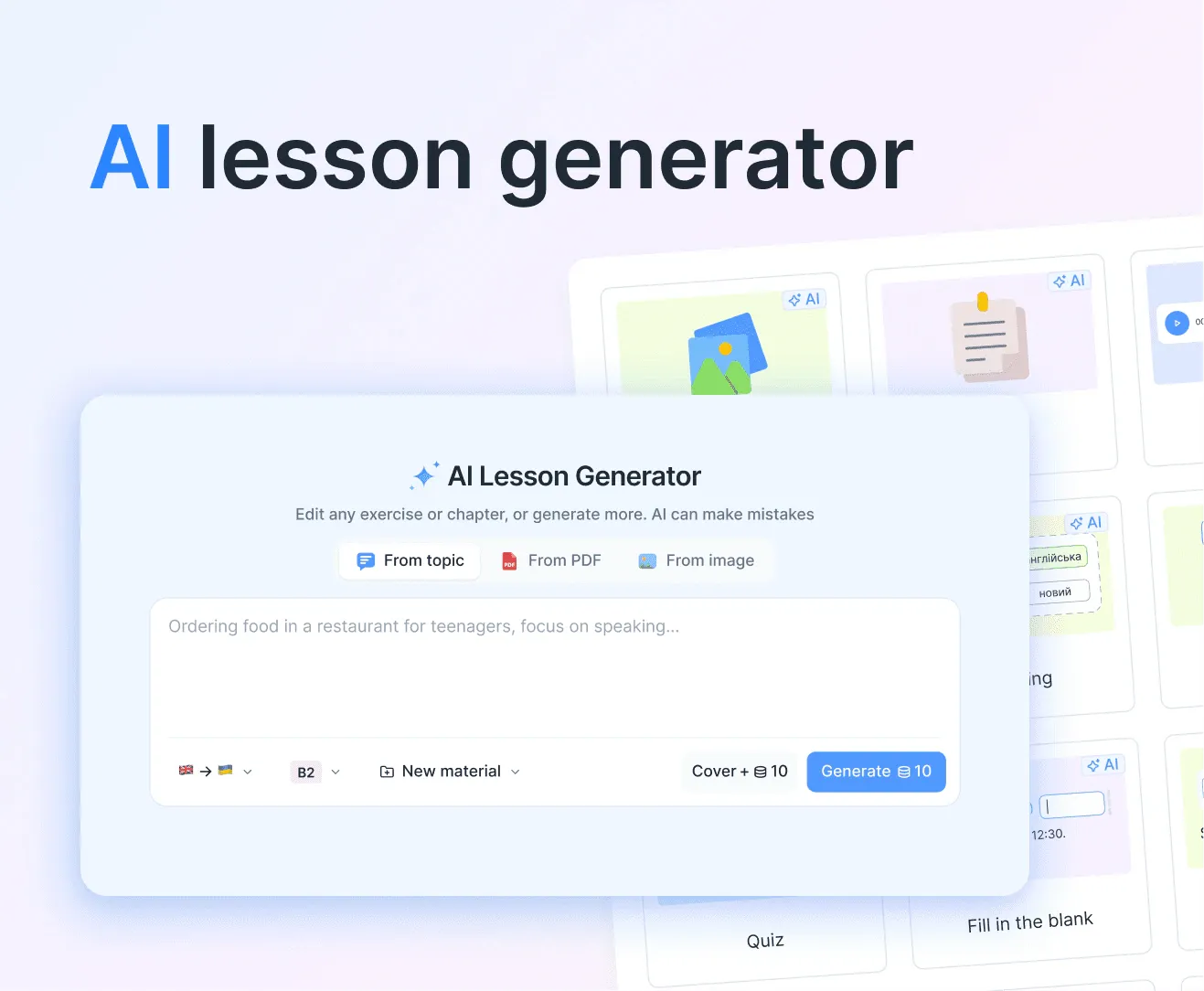
AI lesson generator: build a complete lesson from a topic, PDF, or image
Type a topic, upload a PDF, or drop in an image, and edio.ai builds a full interactive lesson with exercises in about a minute. You pick the language and the level, and edit anything before class.
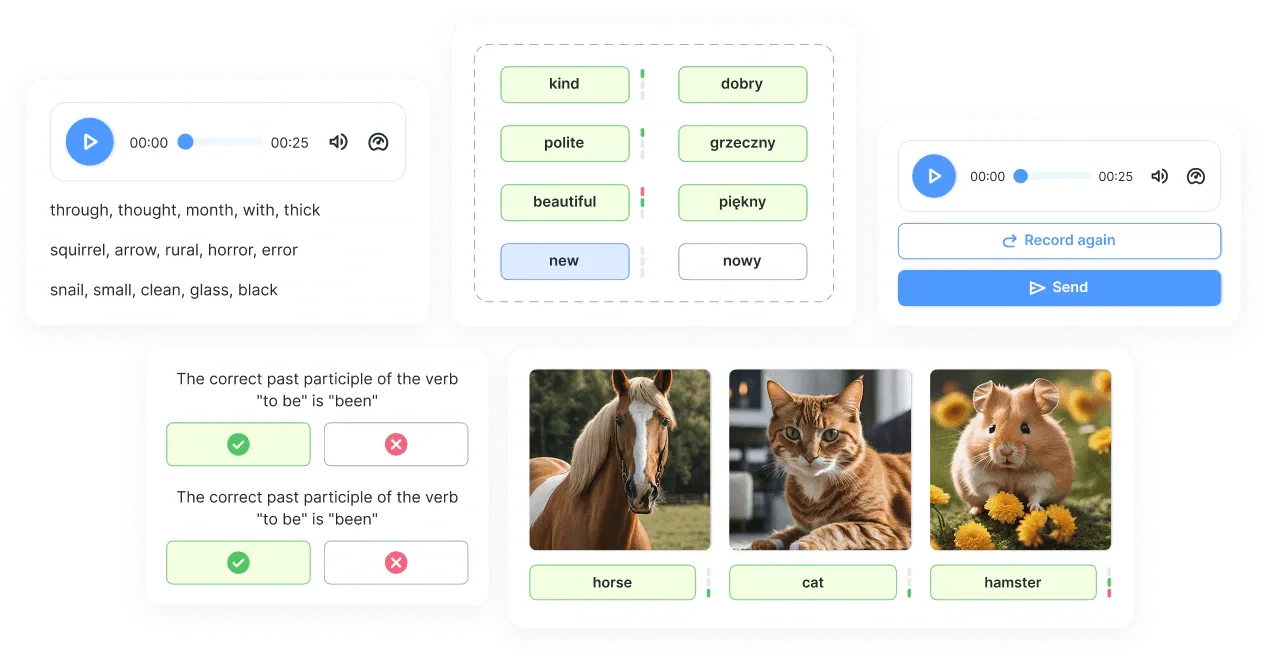
8 Kahoot Alternatives for Language Classes (2026)
Eight Kahoot alternatives for language classes, from self-paced quizzes to team games on one screen, with what each one is best for.
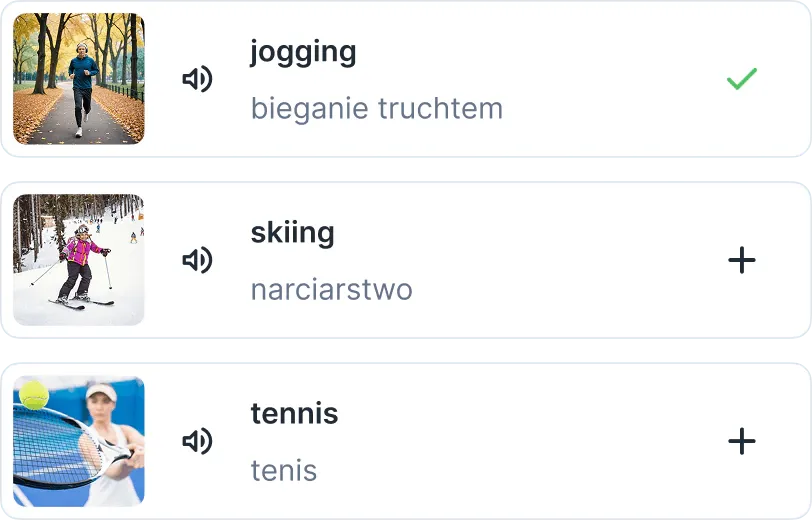
6 Quizlet Alternatives for Language Teachers (2026)
Six Quizlet alternatives for language teachers, from free spaced-repetition apps to vocabulary practice built into your lessons.