Stop preparing lessons. Teach a ready one tonight.
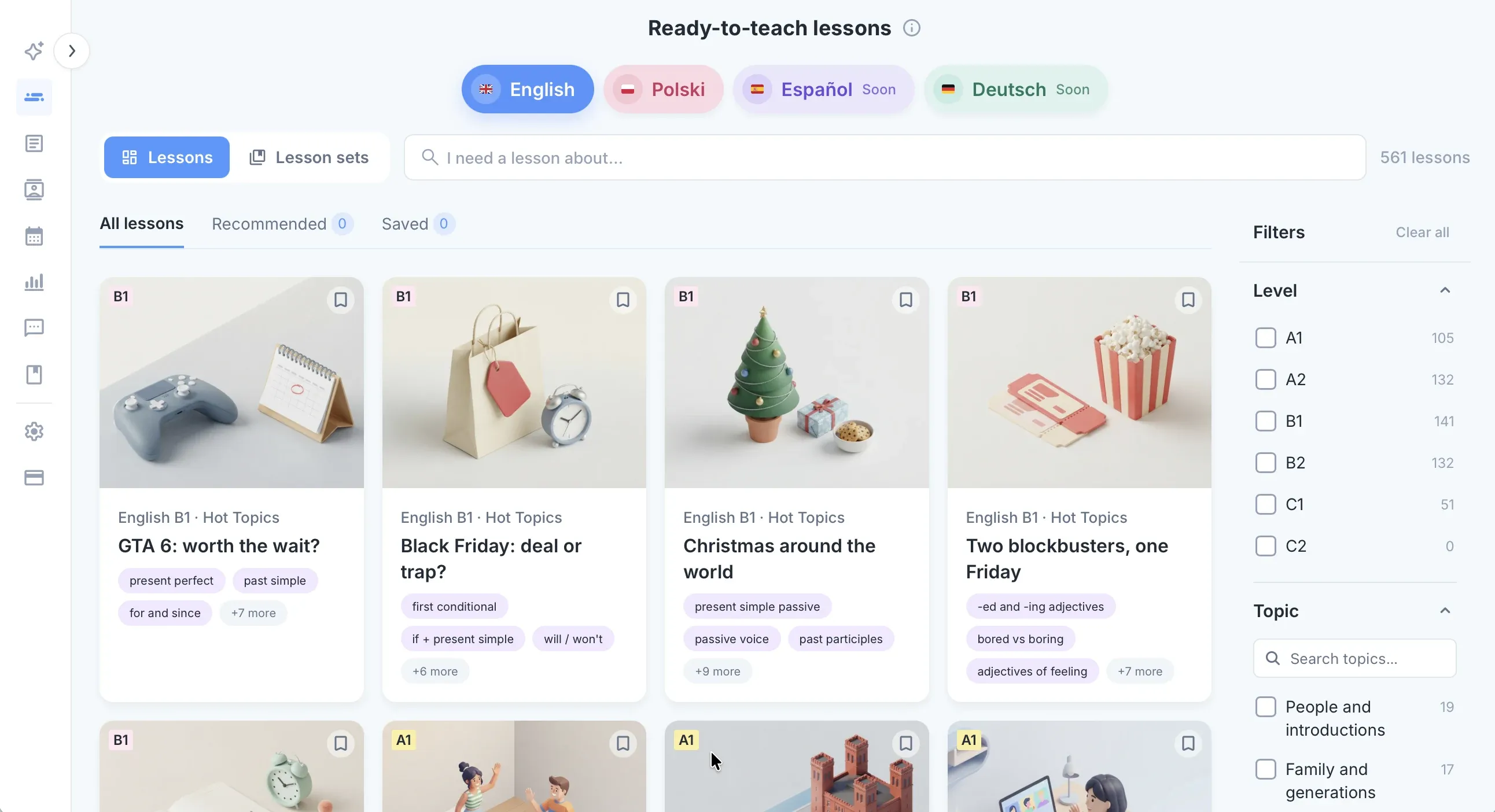
344 interactive lessons, ready to teach live or set as homework. Students work on their own screens, and every exercise checks itself.
- Written by experienced teachers, checked against CEFR
- Free for 7 days, no credit card
Language schools teaching with edio









A whole curriculum, ready tonight
Open a lesson and teach. The plan, the exercises and the homework are already there, from the first A1 lesson to C1.
- 344 interactive lessons in 13 courses, taught in order
- About 60 minutes of class, plus homework
- Written by experienced teachers, checked against CEFR



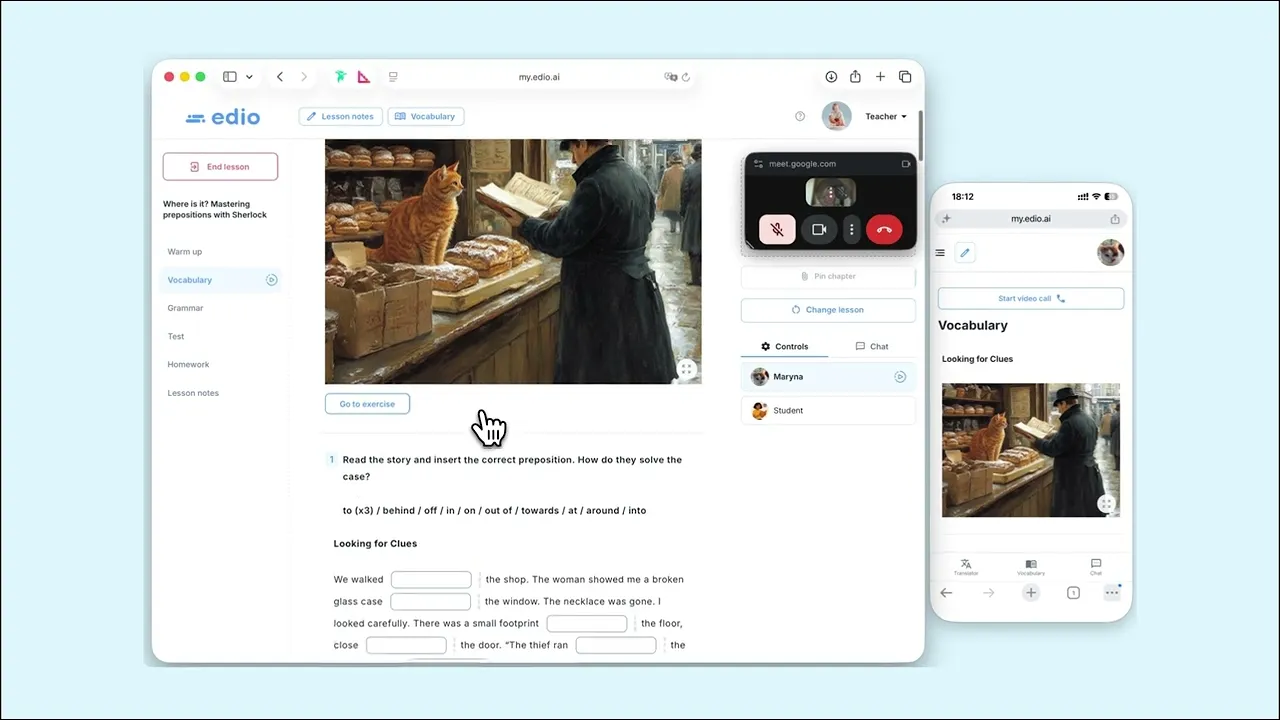
Every student works on their own screen
Teach in your usual Zoom or Meet with the lesson open beside it. Students answer on their computer, tablet or phone, and you see every answer as they type.
- Answers appear in your view as students type
- Mistakes are marked at once, so the lesson keeps moving
- One-to-one or with a group
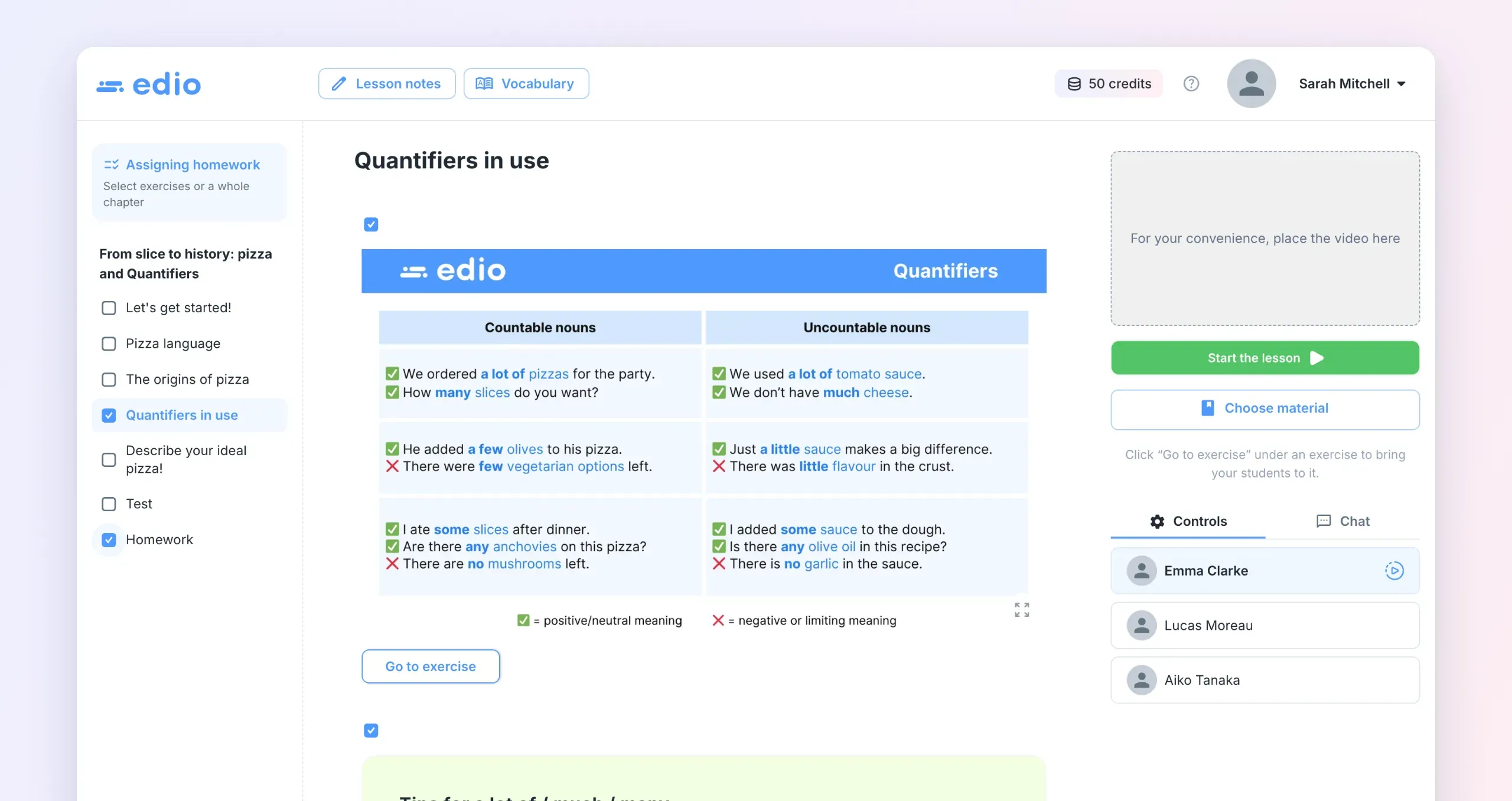
Homework that marks itself
Pick the exercises or whole chapters to set as homework. Students do them at home, the answers check themselves, and you see the results.
- Set homework from the lesson in a few clicks
- Automatic checking, no papers to collect
- Each student's results, lesson after lesson
Every lesson fits your students
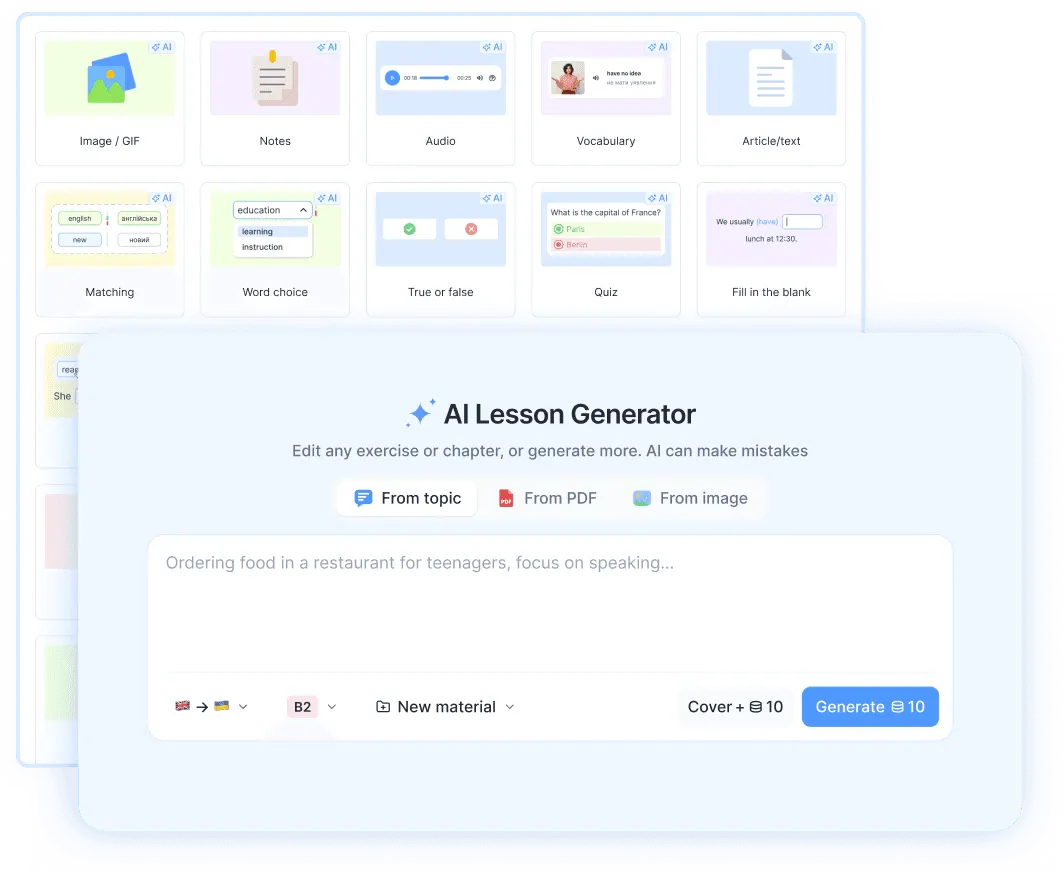
Ready-made doesn't mean one-size-fits-all. Change any lesson in minutes, or let the AI do it.
- Ask the AI chat to adapt a lesson to a student's job or interests
- Copy a lesson and change, add or remove any exercise
- Add your own texts, pictures and videos, or Wordwall and Genially activities
Try a real lesson, right here
These are real exercises from the library. Click, drag and answer the way your students would: every answer is checked at once.
One lesson, start to finish
About 60 minutes of class, plus homework. Every lesson follows the same clear shape, so you and your students always know what comes next.
- 1
Warm-up
A few quick questions to get everyone talking.
- 2
New words
Word cards with a picture and audio, then practice.
- 3
Read and listen
A short text and a dialogue on a real-life topic.
- 4
Grammar
The rule on one screen, then exercises that check themselves.
- 5
Speaking
Speaking tasks, chat dialogues and games.
- 6
Homework
Exercises from the same lesson, checked automatically.
32 exercise types, not just gap-fills
Games, real-life documents, sorting and matching keep a lesson moving. Here are a few of them, exactly as they look in a lesson.
| Subject | Present | Past |
|---|---|---|
| I | am |
was
|
| you |
is
|
were |
| he / she / it |
is
|
was
|
| we / they | are |
were
|
Seat 42
Name five things you can find in a kitchen.
From A1 to C1, in order
Each level builds on the one before, so a student can follow one path from the first lesson to advanced English.
- A1Beginner
Introduce yourself, ask simple questions and handle everyday basics.
64 lessons - A2Elementary
Talk about routines, past events and plans, and manage simple tasks.
64 lessons - B1Intermediate
Handle most travel and work situations, tell stories and give opinions.
- English B1 · Hot Topics
- B1.1 · Stories That Travel
- B1.2 · Changemakers
- English for IT B1 · Inside the Team
- B2Upper-intermediate
Discuss complex topics, argue a point and follow the news.
- Business English B2 · A Year at Wrenfield
- B2.1 · How the World Works
- B2.2 · Culture and Society
- English for IT B2 · Beyond the Code
- C1Advanced
Use English flexibly at work, with specialist and nuanced language.
15 lessons
Made for tutors, schools and company classes
Online tutors
Teach one-to-one in your usual Zoom or Meet. Open the lesson, and your student works in it with you.
For tutorsLanguage schools
One curriculum for every teacher. New teachers are ready on day one, and you see every class's progress.
For language schoolsCompany English
Business English and English for IT, B1 to C1, built around real work situations.
Business English
A PDF lesson vs an edio lesson
The same lesson plan, without the printing, the screen sharing and the marking.
- A PDF lesson:
Print or copy the PDF, then set up a screen shareAn edio lesson: Open the lesson and start teaching - A PDF lesson:
Students write on paper or wait their turn on a shared screenAn edio lesson: Every student answers on their own screen - A PDF lesson:
You check every answer by hand, during or after classAn edio lesson: Answers check themselves as students type - A PDF lesson:
Homework is a file to email, collect and markAn edio lesson: The same lesson becomes homework, marked automatically - A PDF lesson:
Progress lives in your notebookAn edio lesson: Each student's results are saved, lesson after lesson
What our users say
- 15,000+students learning with edio
- 110,000+lessons taught on the platform
- 18 hourssaved per teacher every week
"We at Bee for Biz have been using edio for several years now and consistently receive positive feedback from both our teachers and students.
The platform offers a wide range of features while remaining very easy to use. It allows us to create interactive lessons and truly personalize the learning experience for our students.
We especially value the AI assistant, which helps teachers save time on technical tasks and focus on meaningful lesson content instead.
Without a doubt, edio is the best interactive language teaching platform on the Ukrainian market."

"The edio learning platform has truly transformed the way I work. It’s now much easier to track student progress, share materials, and keep all notes in one place. My students also give very positive feedback — the interface is intuitive and takes only about ten minutes to get used to.
The platform works perfectly on mobile devices, which means students can learn and complete tasks from anywhere with internet access. It’s incredibly convenient for both courses and group lessons.
And the ready-made lessons in the library are a real highlight! I’m very grateful for such a thoughtfully designed platform."
"At Polyglot Online School, we have been using edio for two years, and we want to express our sincere appreciation. During this time, the platform has grown and evolved significantly. Many of our suggestions and feedback have been implemented, making the system even more convenient for both our team and our students. We truly value the responsive support, fast communication, and continuous improvement of features and fixes. edio grows together with us — and that means a lot.
Thank you for a service that helps us work comfortably and efficiently. We look forward to continuing our collaboration and wish the team many new successes and clients!"

Every plan includes the whole library
From €20 a month for 5 students, with no limit on teachers. Try everything free for 7 days, with no credit card.
Frequently asked questions
What is in edio's ESL curriculum?
Who writes the lessons?
How long is a lesson?
Who are the lessons for?
Can I change a lesson?
How do students do the lessons?
How much does it cost?
Your school, one platform
Create lessons, teach them live and run your school in one place.
7-day free trial · No credit card required