May 2025 update: multiple correct answers, Genially and progress tracking
1. Multiple correct answers in tests
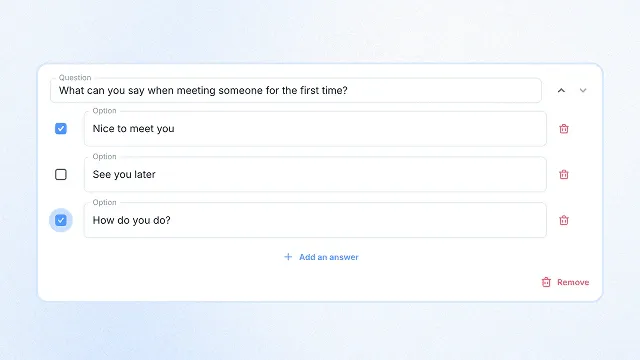
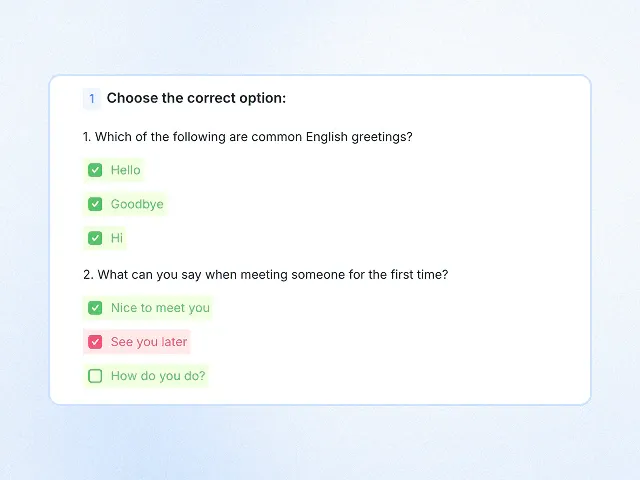
You can now create tests with multiple correct answers on the platform! When setting up the task, simply check all the correct options — the number the student will need to select. Once the student selects the required number of answers, the correct ones will be revealed.
2. Lesson descriptions
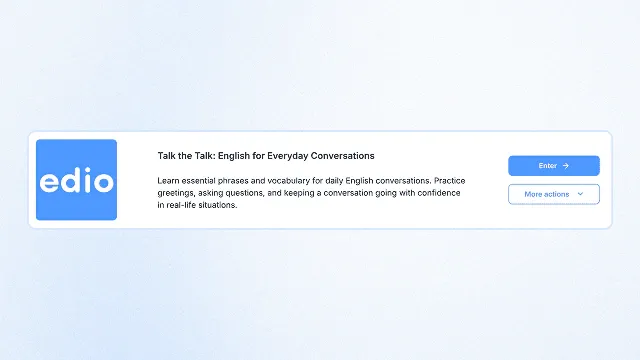
You can now add a short description to each lesson on the platform! Use it to outline grammar and vocabulary topics, provide a quick summary of the content, and include any key details to make course navigation easier. This helps teachers stay organized and gives students a clear idea of what to expect in upcoming lessons.
3. Track student progress in virtual classrooms
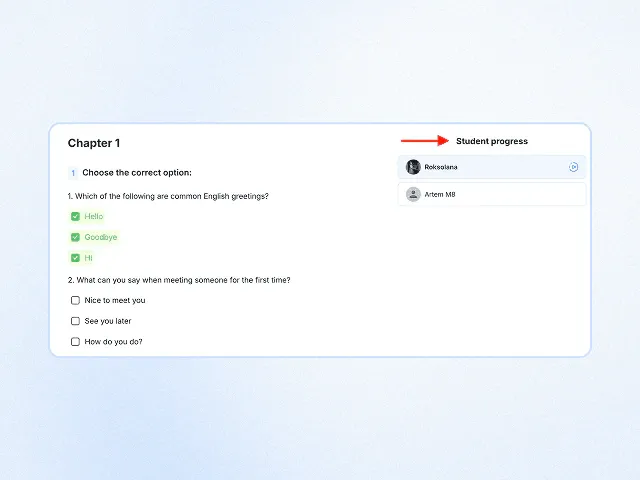
You can now easily monitor each student’s progress in virtual classrooms! In the Materials section, you'll see a full overview of lesson completion — making it simple to track what’s been done and what’s still pending. This feature is especially useful for teachers working with student groups.
To view progress:
- Open the virtual classroom section.
- Click “More actions”, then “Materials”.
- Select the lesson you want to review.
- Choose the student — and track their progress instantly.
4. Genially integration
Make your lessons even more interactive and engaging! You can now embed Genially activities directly into your lessons on the platform. Genially is a powerful tool for creating interactive presentations, quizzes, games, and visual content. With this new integration, your lessons will be more dynamic and visually rich than ever. And to help you make the most of this feature, we’ve added a short instruction guide directly inside the task editor.
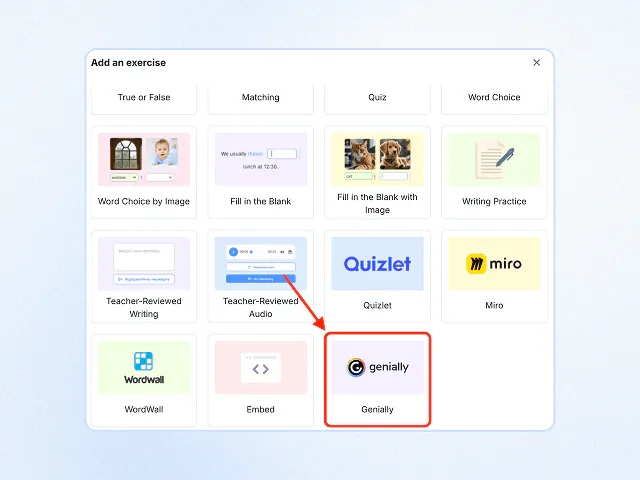
5. Technical improvements for a smoother experience
— Improved stability and performance of fill-in-the-blank and word choice exercises.
— Fixed a number of bugs affecting task performance.
— Updated the dictionary: translations have been revised for better accuracy and clarity.
Related posts
April 2025 update: homework tracking, payment tools and the Article task
Homework tracking, school payment tools, in-class dictionary access & new “Article” task with interactive reading!
January 2025 update: drawing on images and editable dictionary translations
Draw, write & highlight on images in real time! Edit dictionary translations instantly for flexible lessons!
December 2025 update: school analytics, Drag & Drop and lesson feedback
New analytics, Drag & Drop, lesson feedback, flexible access, helper, and major performance improvements in edio.