April 2025 update: homework tracking, payment tools and the Article task
1. Payment system for school owners
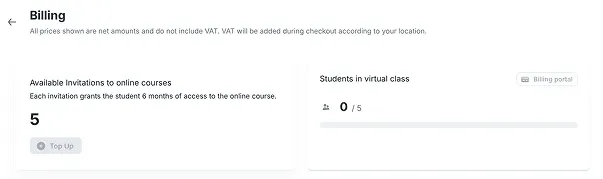
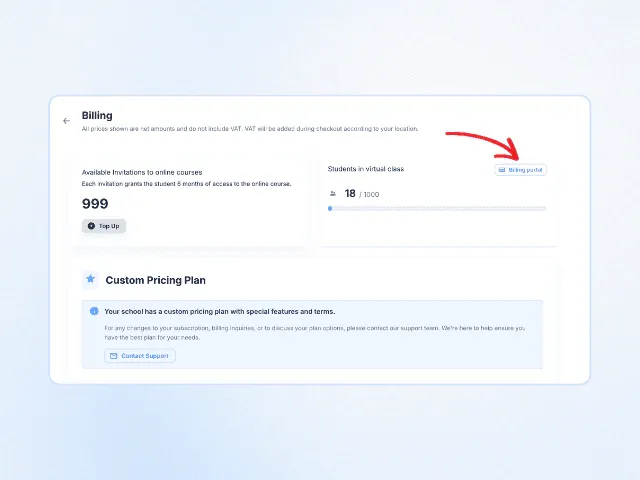
School owners can now manage payments for using the platform directly from their personal dashboard. In the payments section, they can view: the number of available course invitations, manage the school's subscription, manage the White Label feature, and see the number of students added to virtual classrooms.
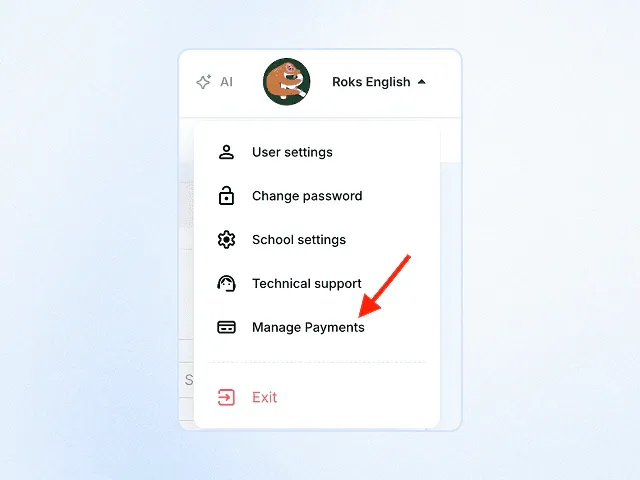
How does the payment system work?
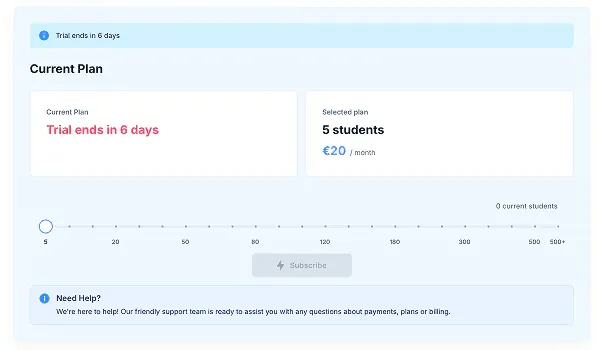
To unlock all platform features and run virtual classes, you’ll need an edio subscription. Each plan includes a set number of students you can teach in your virtual classroom. For example, the basic plan costs €20 and covers 5 students added to virtual class.
Additional services like white label and access to online courses are available for an extra fee.
Online courses
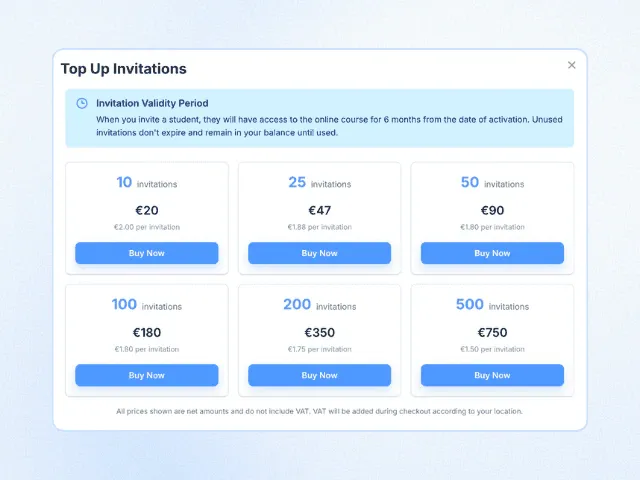
To enroll a student in an online course, you’ll need to purchase an invitation. Once activated, the student will have access to the course for 6 months.
Unused invitations never expire and remain in your account until needed. However, once an invitation is used, it cannot be reactivated.
White label
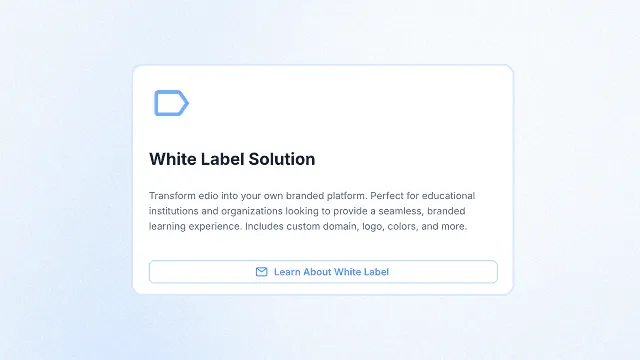
The white label extension includes replacing the edio domain and logo with your school's logo. The edio logo will also be replaced with your logo in the emails sent to your students.
How can I manage my payments?
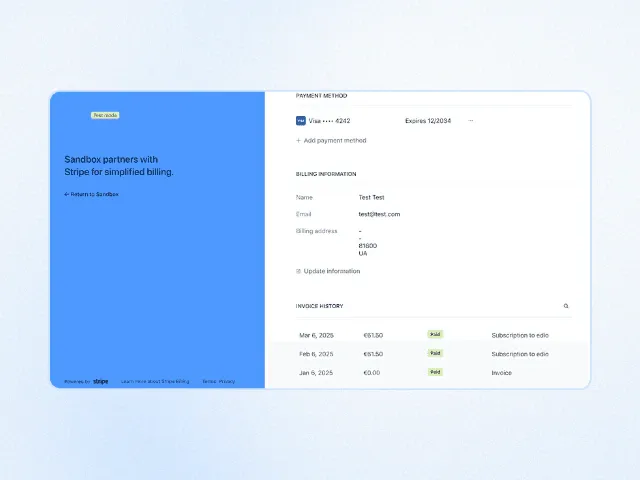
School owners can manage and track their payments by opening the 'Billing Portal', where they can update the payment method, payer information, and view all completed transactions.
2. Improved homework management system
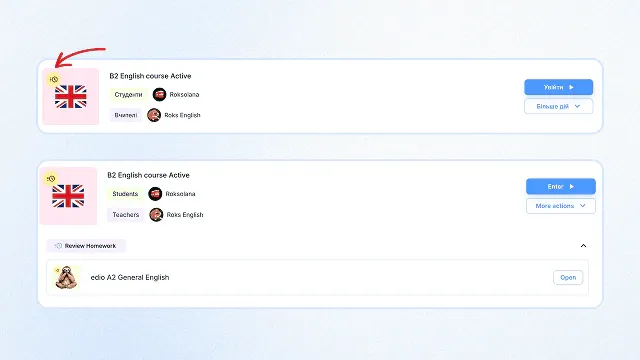
Managing student homework is now even easier. Teachers can now see a label indicating completed homework directly in the virtual classroom dashboard. Homework checking has become even more convenient and faster! If a student completes several homework assignments, the teacher sees them gradually and in order.
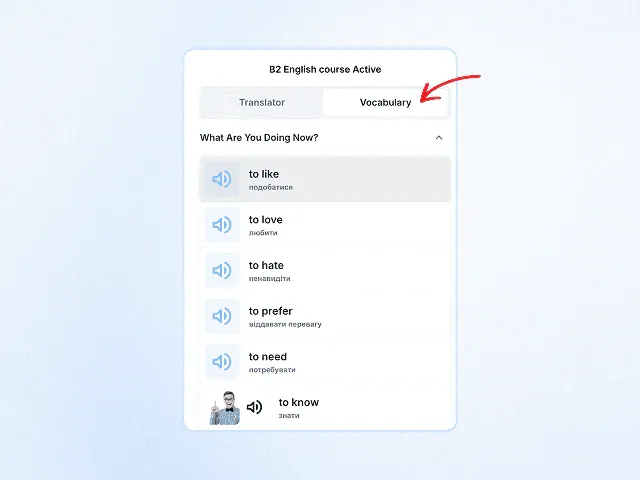
3. Access to personal vocabulary during virtual classes
During a virtual lesson with a teacher, students can now use not only the search and add feature in the dictionary but also access their personal dictionary on the platform. All the words they’ve added throughout their studies can be viewed with a single click.
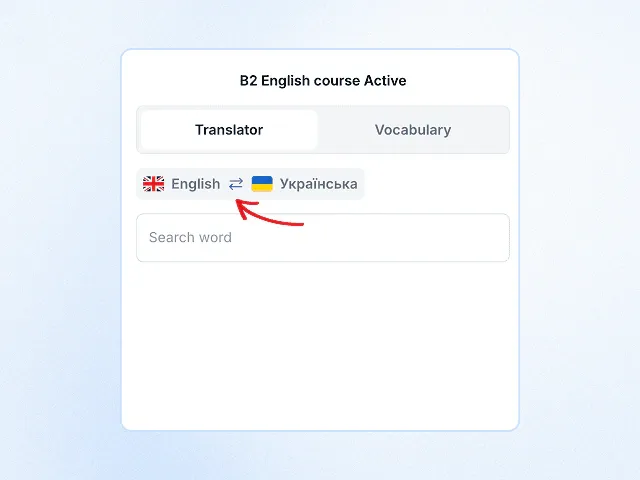
4. Improved translator in the virtual class for your students
Students can now use the upgraded translator during virtual lessons. They can look up words both in the language they're learning and in their native language— and easily switch them with one click.
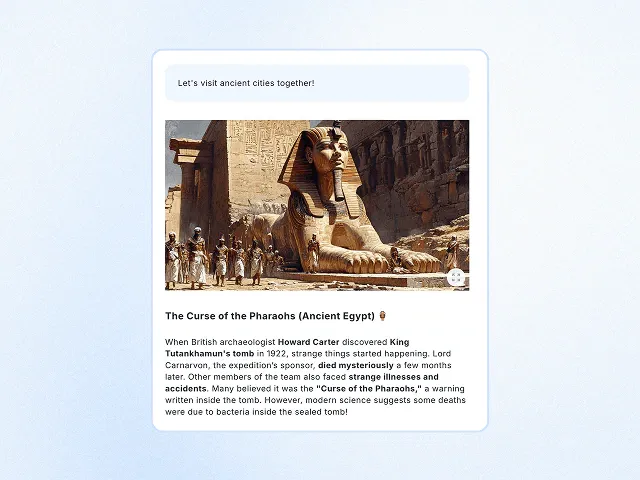
5. New task type – Article
A new task type – Article – is now available on the platform. In this format, the student reads a short text adapted to their level and then completes interactive exercises.
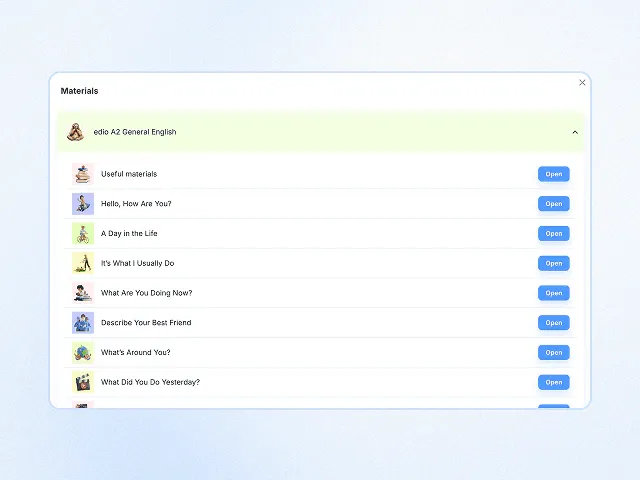
6. Tracking current material in the virtual classroom
If a teacher wants to switch to a different material or move on to the next lesson during a virtual class, the current material in use will now be highlighted in green and appear at the top of the list. This makes managing lesson materials quicker and more practical for your school's teachers.
7. Improved virtual classroom experience on mobile devices
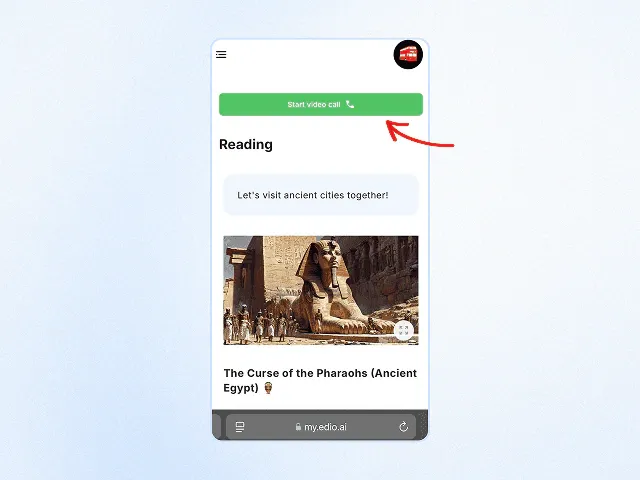
If a student is using a mobile device to attend a virtual class with a teacher, they can now start the call using the "Start video call" button.
8. Visible course access for students
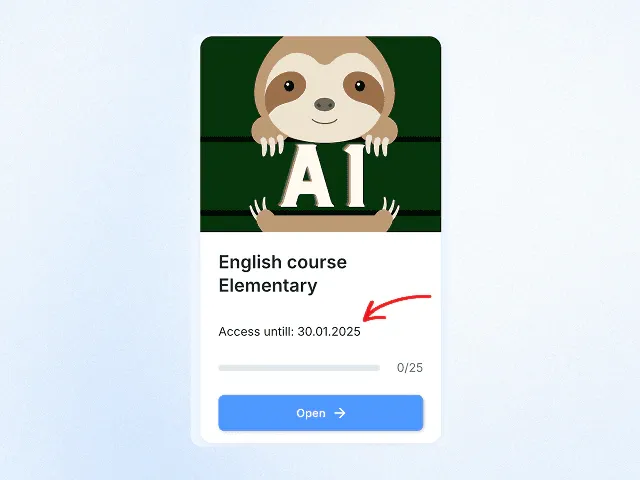
You can set course access for your students, and they will be able to see the access end date in their personal dashboard on the course card.
9. Managing access to materials for school teachers
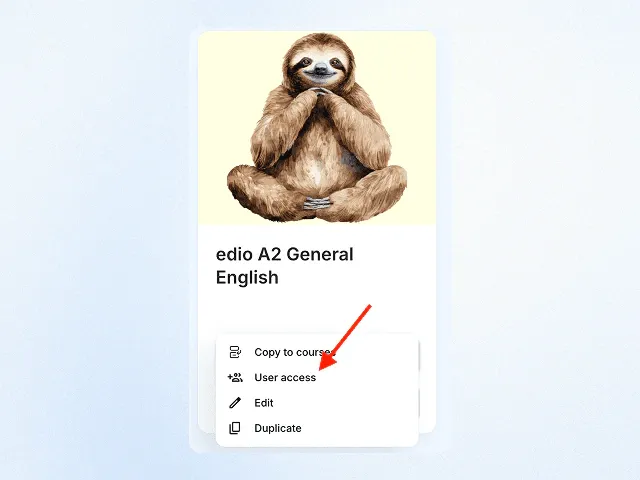
You can now grant access to your school’s materials to a selected list of teachers, allowing you to manage content more effectively. You can choose to give access to all teachers or only specific ones.
10. Bug fixes and detail improvements
- Improvements to the dictionary functionality
- Enhanced task instructions
- Improved "draw by picture" activity
Related posts
May 2025 update: multiple correct answers, Genially and progress tracking
New: multiple correct answers in tests, lesson descriptions, Genially integration, and progress tracking.
January 2025 update: drawing on images and editable dictionary translations
Draw, write & highlight on images in real time! Edit dictionary translations instantly for flexible lessons!
How to Track Prepaid Lessons in an Online Language School (Without Spreadsheets)
Discover how edio's lesson balance system lets teachers add, deduct, and track prepaid lessons per student — with full history, automated deductions, and a clean student-facing view.